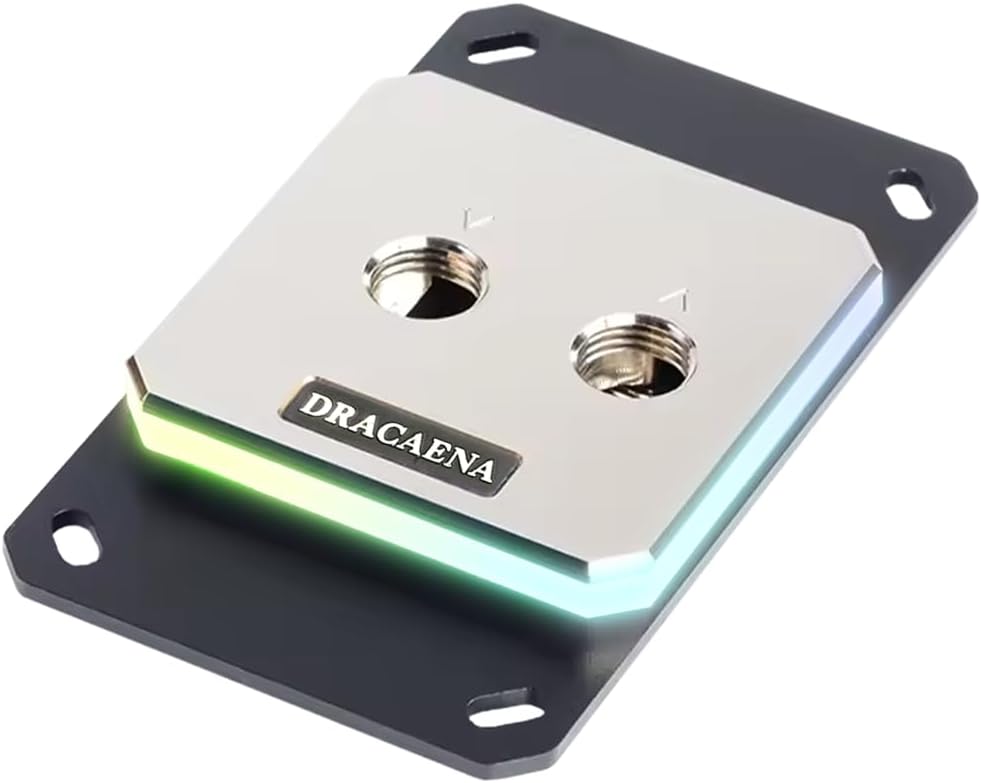
Dracaena.io CPU Water Block for AM5/AM4
4.6Editor score
Broad AMD socket support
All-copper water loop
Complete install kit included
Choosing the right CPU water block is essential for high-performance custom liquid cooling loops. A quality block ensures efficient heat transfer while maintaining aesthetic appeal with premium materials and lighting options.
We evaluated ten leading models based on thermal performance compatibility build quality and user feedback. Each product was analyzed for its cold plate design socket support and overall reliability in demanding scenarios.
Every pick highlights key strengths and potential trade-offs to help you decide. Prices and availability can change so verify details before purchasing to ensure you get the best value for your setup.
4.6Editor score

4.6Editor score

3.6Editor score
As an Amazon Associate we earn from qualifying purchases.
This table provides a side-by-side comparison of the top ten CPU water blocks available today. Review each model's key specifications to determine which fits your cooling needs and budget constraints.




The EKWB EK-Quantum Velocity 3 is a top-tier CPU water block designed for modern platforms. It delivers outstanding cooling efficiency with its optimized internal geometry and high-quality materials.
We may earn a commission when you buy through this link, at no additional cost to you.
This block achieves up to 2 degrees C improvement over the previous generation. Its nickel-plated copper cold plate ensures superior thermal conductivity for demanding workloads.
While it is a premium option requiring a custom loop it remains compact. The precision mounting pressure ensures consistent performance across various socket configurations.
Enthusiasts seeking peak thermal performance will appreciate this block. It is ideal for those prioritizing efficiency and build quality in their liquid cooling setup.
The optimized internal geometry maximizes heat transfer for better temperature control.
Nickel-plated copper ensures durability and excellent thermal conductivity over time.
We may earn a commission when you buy through this link, at no additional cost to you.
The CORSAIR XC7 RGB Elite LCD combines high-performance cooling with stunning visual customization. Its IPS LCD screen allows you to display real-time data or custom content easily.
We may earn a commission when you buy through this link, at no additional cost to you.
Cooling is handled by the Hexa-Flow engine which mitigates laminar flow. This ensures all CPU cores are cooled evenly for stable overclocking performance.
The block features a nickel-plated copper cold plate with over 120 micro-cooling fins. USB-C connectivity simplifies installation and automatic setup within the CORSAIR ecosystem.
Build enthusiasts who value aesthetics will love this block. It bridges the gap between functional cooling and personalized display elements effectively.
Showcase creativity with animated GIFs or live temperatures on a bright IPS screen.
Hexa-Flow engine ensures even cooling across multi-chip package CPUs.
We may earn a commission when you buy through this link, at no additional cost to you.
The Dracaena.io CPU Water Block offers exceptional value for AMD users. It provides a full copper internal loop without unnecessary aluminum parts in the water path.
We may earn a commission when you buy through this link, at no additional cost to you.
This block supports virtually every AMD platform from AM2 to AM5. A complete installation kit ensures you have everything needed for a secure setup.
The 0.4mm microfin base plate maximizes thermal conductivity effectively. It fits standard G1/4 inch loops and syncs with major RGB systems like Aura Sync.
Budget builders should consider this block highly. It delivers reliable performance without breaking the bank for custom cooling projects.
Works across nearly every AMD socket without needing extra adapters.
Internal channels are fully copper to prevent corrosion and maximize heat transfer.
We may earn a commission when you buy through this link, at no additional cost to you.
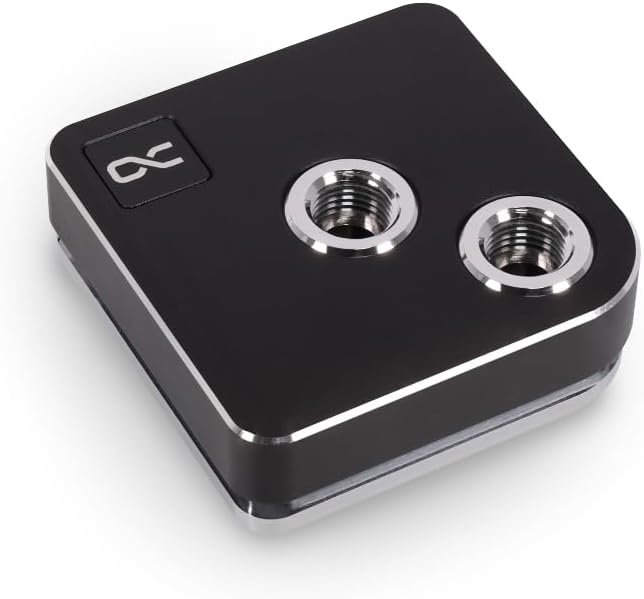
The Alphacool Core 1 is a straightforward CPU water block for modern systems. It supports Intel LGA 1700 and AMD AM4/AM5 platforms with a black finish.
We may earn a commission when you buy through this link, at no additional cost to you.
Its nickel-plated copper cold plate ensures efficient heat transfer from the CPU. This block is designed for those who prefer simplicity and reliability in their loop.
Alphacool is known for quality components and this block reflects that standard. It integrates easily into existing custom cooling systems without issues.
Users looking for a clean no-fuss solution will find this adequate. It balances performance with aesthetic neutrality well.
Fits both Intel and AMD modern sockets for flexible system building.
Uses standard G1/4 threads for easy integration with any tubing.
We may earn a commission when you buy through this link, at no additional cost to you.
This generic CPU water cooling block is an entry-level option for older systems. It features a 50mm copper base designed to carry heat away quickly.
We may earn a commission when you buy through this link, at no additional cost to you.
The block has chrome plate copper faucets and an inner water channel. It supports legacy Intel and AMD sockets like 775 or AM2/AM3.
It includes one set of accessories including four screws for mounting. While basic it provides the essential function of liquid cooling for less critical builds.
Ideal for retro systems or budget testing setups. It is not recommended for high-end or modern workloads.
Supports older processors which may need specific cooling upgrades.
Features simple copper base and channel design for heat exchange.
We may earn a commission when you buy through this link, at no additional cost to you.
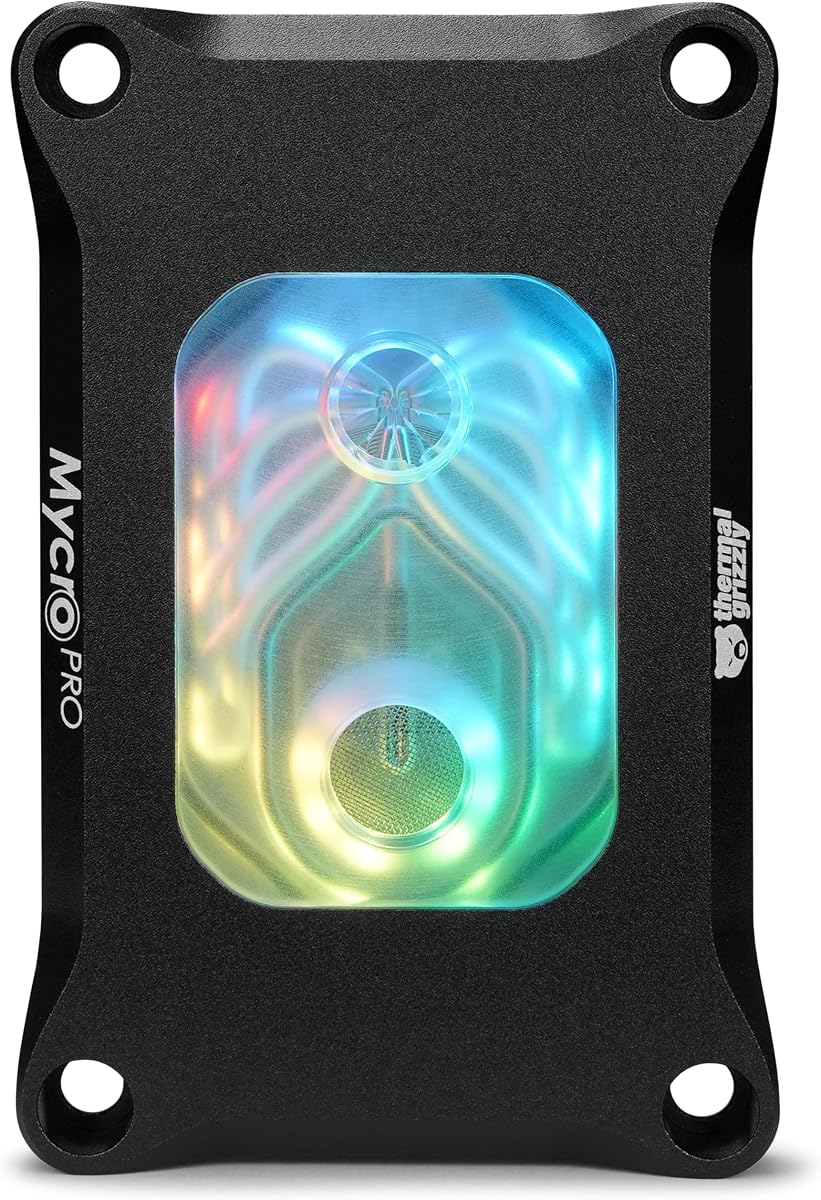
The Thermal Grizzly Mycro Pro RGB is designed for high-end custom liquid cooling systems. It features a precision-machined nickel-plated copper cold plate for efficient heat dissipation.
We may earn a commission when you buy through this link, at no additional cost to you.
68 microfins with a 0.2mm structure increase surface area significantly. An integrated fine mesh filter helps trap particles and supports consistent coolant flow.
This block supports AMD AM5 and AM4 sockets effectively. The combination of durability and performance makes it a strong choice for demanding setups.
Enthusiasts who prioritize engineering will appreciate this block. It offers a balance of performance and visual appeal.
0.2mm microfins maximize surface area for maximum heat transfer.
Built-in filter prevents particles from clogging the microfin structure.
We may earn a commission when you buy through this link, at no additional cost to you.
The TRYX Panorama WB is a highly innovative water block featuring a curved 6.67 inch AMOLED screen. It creates immersive visual effects that set custom loops apart.
We may earn a commission when you buy through this link, at no additional cost to you.
Powered by Asetek Gen8 V2 thermal architecture it delivers rapid heat transfer. A built-in PWM VRM fan actively cools motherboard voltage regulators under load.
KANALI software allows easy content browsing and screen switching. It supports various file types and includes GIPHY integration for dynamic visuals.
Builders seeking unique aesthetics will find this compelling. It combines high performance with cutting edge display technology.
Anamorphic curved screen creates distinct effects compared to flat LCDs.
Built-in fan targets VRM components specifically for stability.
We may earn a commission when you buy through this link, at no additional cost to you.
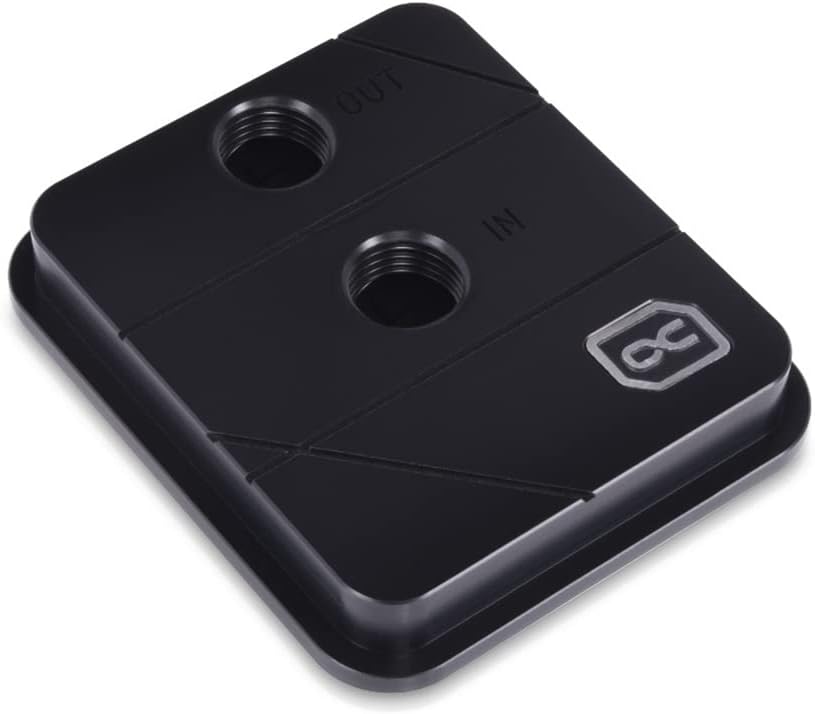
The Alphacool Core XP3 is a compact water block for Intel and AMD systems. It uses an acetal top with a nickel-plated copper cooler for heat transfer.
We may earn a commission when you buy through this link, at no additional cost to you.
This block supports standard G1/4 threads and fits most custom loops easily. Its dimensions are designed to save space in tight enclosures.
It is rated for a maximum working temperature of 60 degrees C. The simple design ensures it remains reliable over long-term use.
Budget-conscious users seeking a lightweight solution will find this suitable. It balances functionality and practicality well.
Smaller dimensions make it ideal for constrained cooling loops.
Acetal top ensures durability and ease of maintenance.
We may earn a commission when you buy through this link, at no additional cost to you.
The CORSAIR iCUE Link XC7 is designed for users building a cohesive system setup. It features a transparent flow chamber to visualize coolant moving through the block.
We may earn a commission when you buy through this link, at no additional cost to you.
Its Hexa-Flow engine mitigates laminar flow for even cooling of CPU cores. The iCUE Link ecosystem allows easy daisy-chaining of components with universal connectors.
A built-in cold plate temperature sensor enables precise cooling control. 24 individually addressable RGB LEDs deliver customizable immersive visual experiences.
Users invested in the CORSAIR ecosystem will appreciate this integration. It simplifies cable management while maintaining high performance standards.
Universal connectors reduce cable clutter and simplify builds.
Integrated sensor allows precise control over cooling performance.
We may earn a commission when you buy through this link, at no additional cost to you.
The Alphacool Core 1 LT offers a clear view of the cooling process with its acrylic design. It supports Intel LGA 1700 and AMD AM4/AM5 sockets.
We may earn a commission when you buy through this link, at no additional cost to you.
Digital RGB lighting enhances the visual look of your custom loop. The block ensures efficient heat transfer while maintaining a premium appearance.
Its dimensions are standard for modern water blocks and fit most cases. The acrylic material allows for a clean unobstructed view of the flow.
Users who value high clarity and RGB aesthetics will like this model. It balances function with a clean modern look effectively.
Acrylic material allows clear view of coolant flow inside.
Digital lighting offers precise control over color and effects.
We may earn a commission when you buy through this link, at no additional cost to you.
Selecting the right CPU water block requires understanding your system needs and loop requirements.
Ensure the block supports your specific CPU socket such as AM5 or LGA1700. Using an incompatible block may result in poor contact or installation issues.
Verify the manufacturer provides a mounting kit specifically for your platform before purchasing.
Nickel-plated copper cold plates offer superior thermal conductivity and corrosion resistance. Avoid blocks with aluminum in the water path to prevent chemical reactions.
Look for materials that maximize heat transfer while protecting the coolant system integrity.
Optimized internal geometry ensures efficient coolant flow across the CPU surface. Blocks with micro-fins or advanced flow patterns improve thermal performance.
Designs that mitigate laminar flow help cool all cores evenly under heavy loads.
Many modern blocks feature RGB lighting or LCD screens for visual customization. Decide if you prefer simple LED strips or complex animated displays.
Choose lighting styles that match your build theme without overwhelming the system visually.
High-quality blocks use durable materials like copper acrylic and EPDM O-rings. Check reviews for any reports of leaks or corrosion over time.
Investing in a well-built block ensures longevity and reliable performance.
Some blocks include backplates mounting hardware and screws in the box. Others require separate purchase which adds to the total cost.
Ensure you have all necessary components before attempting installation.
Established brands often provide better warranty support and technical assistance. Research customer feedback regarding reliability and customer service.
A strong reputation usually indicates consistent quality across product lines.
Prices vary significantly from budget-friendly options to high-end premium models. Determine your spending limit while ensuring necessary features are included.
Balance cost against performance needs to find the best value for your use case.
Before installation ensure all components are clean and free from debris. Apply a high-quality thermal paste to the CPU die and align the block properly before tightening screws.
After installation check for any signs of leaks immediately. Monitor temperatures under load to confirm the block is functioning as expected.
Regular maintenance includes flushing the loop and checking the O-rings for wear. This helps prevent clogs and extends the life of the cooling system.
Avoid blocks with aluminum in the water path as they can react with certain coolants. Stick to copper or nickel-plated copper to prevent corrosion.
It is recommended to flush your loop every six to twelve months. Regular maintenance prevents buildup and maintains optimal cooling performance.
Not all blocks include mounting hardware. Check the product specifications carefully to ensure you have the necessary screws and backplates for your socket.
RGB lights change color together as a single unit while ARGB allows individual control over each LED. ARGB provides more detailed lighting effects for customization.
Yes most standard coolants work with copper and nickel blocks. Avoid highly corrosive fluids that may damage seals or materials over time.
Poor thermal paste application or air bubbles can cause high temperatures. Ensure proper installation and bleed air from the loop before testing.
The ten CPU water blocks reviewed here offer a wide range of options for custom cooling. From budget-friendly AMD-compatible models to premium blocks with integrated displays.
Prioritize socket compatibility and build quality when making your selection. Balancing performance with aesthetics ensures a system that looks and works great.
Always verify current pricing and stock levels before purchasing. Prices fluctuate regularly so checking details helps secure the best deal for your setup.