
Thermalright TL-C14C-S X3
4.7Editor score
1500 RPM PWM Speed
75.8 CFM Airflow
17 ARGB Light Modes
This guide compares the top ARGB 140mm fans for cooling and aesthetics, featuring reviews of Thermalright, Corsair, Arctic, and more to help you choose.
Modern PC builds demand both superior thermal performance and striking visual appeal. ARGB 140mm fans offer the perfect balance, delivering high airflow and static pressure while illuminating your case with customizable lighting effects.
We evaluated ten top-rated models based on airflow, noise levels, bearing technology, and lighting integration. Each product was analyzed for real-world performance against popular case configurations and radiator setups.
Every pick highlights key strengths and trade-offs to match your specific build needs. Prices fluctuate frequently, so verify current offers before purchasing to ensure you get the best value available today.
4.7Editor score

4.8Editor score

4.6Editor score
This side-by-side comparison highlights key specifications for every model, helping you quickly identify airflow, noise, and lighting capabilities across different price points and brands.
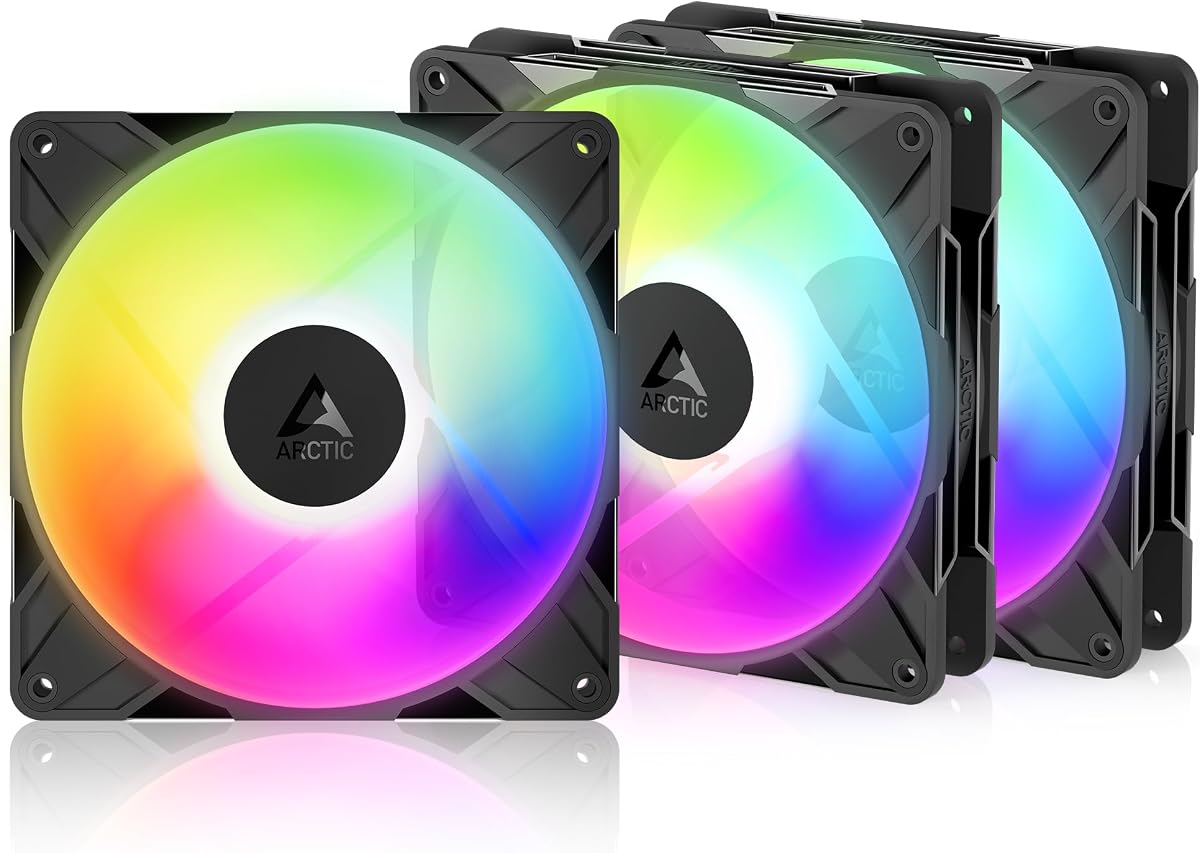


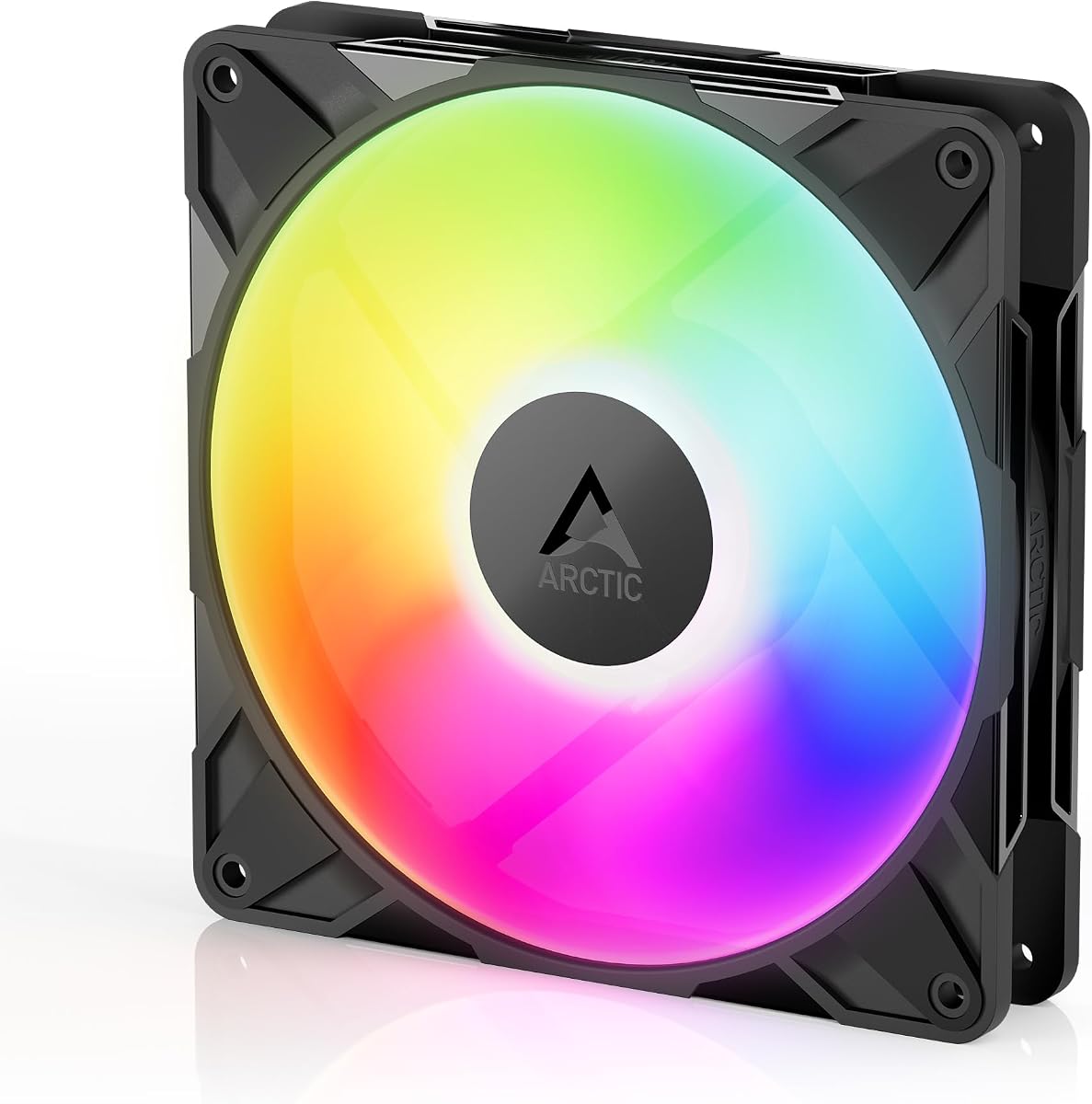


The Thermalright TL-C14C-S X3 delivers exceptional value for builders seeking reliable cooling and lighting. With a 4.7-star rating, this three-pack fan set offers 75.8 CFM airflow and ARGB synchronization at a budget-friendly price.
We may earn a commission when you buy through this link, at no additional cost to you.
Its 4-pin PWM connector allows automatic speed control up to 1500 RPM based on motherboard temperature readings. The high-brightness LED blades provide 17 light modes with softer reflection for better case aesthetics.
Trade-offs include a basic frame design and limited advanced lighting customization compared to premium brands. However, these do not significantly impact cooling performance or visual appeal in standard builds.
Buy this if you need affordable, effective airflow with ARGB capabilities without breaking your budget. It suits cases, radiators, and CPU coolers where silence and value are priority considerations.
The fan achieves high airflow while maintaining low noise levels through optimized blade design and S-FDB bearing technology.
Compatible with most motherboards, the 5V ARGB interface allows seamless synchronization with existing system lighting setups.
We may earn a commission when you buy through this link, at no additional cost to you.
CORSAIR RS140 fans stand out with top-tier static pressure and streamlined connections. Rated 4.6 stars, the dual pack delivers 95.5 CFM airflow with AirGuide technology for focused cooling on hot components.
We may earn a commission when you buy through this link, at no additional cost to you.
The magnetic dome bearing reduces noise during operation, and daisy-chain connectors minimize cable clutter by using single PWM and ARGB ports for both fans. Eight LEDs provide customizable lighting via motherboard sync.
Higher costs and standard RGB options may deter budget builders. Yet, for performance enthusiasts prioritizing airflow and neat aesthetics, the investment provides lasting reliability and visual consistency.
Choose this for radiators or high-resistance setups requiring strong pressure. It fits premium builds where cable management and component protection are as critical as cooling power.
AirGuide anti-vortex vanes direct air precisely toward components, maximizing cooling efficiency on radiators or dense heatsinks.
Daisy-chain design connects multiple fans via one connector pair, reducing motherboard port usage and internal clutter significantly.
We may earn a commission when you buy through this link, at no additional cost to you.
With a 4.8 rating, the MasterFan MF140 Halo combines visual appeal and performance. Its duo-ring ARGB lighting uses 24 individually controlled LEDs for a vibrant look that enhances case aesthetics.
We may earn a commission when you buy through this link, at no additional cost to you.
The hybrid blade design handles resistance on radiators while maintaining high airflow. Silent cooling technology includes sound-absorbing materials to keep noise levels low during daily operation.
PWM speed ranges from 650 to 1500 RPM, though quiet mode may still produce audible airflow under load. This trade-off ensures adequate cooling without excessive noise in most scenarios.
Ideal for users wanting a balance of style and function. It pairs well with liquid coolers and mesh cases where both airflow and lighting visibility matter.
Dual-ring LED placement creates a halo effect that stands out through mesh panels and glass sides in any build.
Absorbing materials within the fan frame dampen vibrations and wind noise for a quieter listening experience.
We may earn a commission when you buy through this link, at no additional cost to you.
The P14 Pro Reverse draws air from the back side, hiding motor hubs for clean aesthetics. Rated 4.6 stars, the three-pack is ideal for cases with glass front panels needing visible fan blades.
We may earn a commission when you buy through this link, at no additional cost to you.
With speeds up to 2650 RPM and high static pressure, it penetrates dense filters effectively. The hydrodynamic bearing ensures long service life and minimal noise during standard operation.
It stops completely under 5% PWM, reducing heat when idle. However, cabling requires a Y-splitter for PWM control, adding minor complexity to installation.
Select this for front intake fans in visibility-focused builds. It maintains cooling efficiency while ensuring a clean appearance from the front of the chassis.
Reverse airflow removes visible motor hubs from the front, preserving the look of the blades through glass panels.
High RPM range and pressure ensure consistent cooling even with restrictive filters or dense radiator fins.
We may earn a commission when you buy through this link, at no additional cost to you.
Thermaltake CT140 EX fans feature magnetic connectors for easy installation and daisy-chaining. Rated 4.6 stars, the three-pack supports 16.8 million colors for extensive RGB customization via motherboard sync.
We may earn a commission when you buy through this link, at no additional cost to you.
MagForce 2.0 design simplifies wiring by reducing cable clutter. Anti-vibration mounts help minimize noise transfer to case panels during high-speed operation.
Some users prefer traditional plugs over magnetic connections for long-term stability. Performance remains consistent though, offering solid cooling for standard cases.
This option suits those prioritizing setup speed and color variety. It works well for general case ventilation or light radiator cooling.
Magnetic connectors allow fans to snap together quickly without individual cable routing per unit.
With 9 addressable LEDs per fan, lighting patterns and colors can be finely tuned for personal preferences.
We may earn a commission when you buy through this link, at no additional cost to you.
AsiaHorse Amici fans promise 50,000-hour lifespans with hydraulic bearings. Rated 4.5 stars, they offer 89.77 CFM airflow and infinity mirror ARGB lighting that enhances build aesthetics.
We may earn a commission when you buy through this link, at no additional cost to you.
Compatibility includes major brands like Asus Aura Sync and MSI Mystic Light. The fan reaches 2000 RPM for aggressive cooling when needed.
Wired daisy-chaining is limited to three fans per chain, and noise rises near max speed. Yet durability and airflow make it strong for heavy use.
Buy this for long-term system stability. It fits gamers and professionals needing consistent performance and visual appeal over time.
Closed-loop lubrication and hydraulic bearings ensure consistent performance over decades of regular use.
Infinity mirror design uses 24 LEDs to create a layered lighting effect that stands out through cases.
We may earn a commission when you buy through this link, at no additional cost to you.
The P14 Pro supports speeds up to 3000 RPM for maximum cooling potential. Rated 4.6 stars, it features optimized blades and fluid dynamic bearings for balanced noise and performance.
We may earn a commission when you buy through this link, at no additional cost to you.
Static pressure ensures effective heat dissipation even through restrictive mesh panels or radiator fins. Precision manufacturing minimizes gaps and vibrations for smooth running.
While quiet at low speeds, maximum RPM generates noticeable noise. Most users prefer moderate speeds for daily use, reserving peak speeds for heavy loads.
Select this when cooling needs demand high airflow. It suits performance-oriented builds where temperature control is prioritized over silence.
Redesigned blades optimize air movement for better thermal transfer across different mounting scenarios.
Wide PWM range allows precise control from silent idle to aggressive cooling depending on system demands.
We may earn a commission when you buy through this link, at no additional cost to you.
Thermalright TL-C14C-S X3 fans come with silicone feet to reduce vibration transmission. Rated 4.6 stars, the three-pack delivers 75.8 CFM airflow with noise below 26.4 dBA.
We may earn a commission when you buy through this link, at no additional cost to you.
The seven-blade design balances cooling with quiet operation. PBT+PC materials ensure insulation and structural integrity during continuous use.
While effective, the black finish may lack color options for themed builds. Performance remains reliable across case, CPU, and radiator applications.
Buy this for builds valuing stability over color. It suits systems where consistent cooling and minimal vibration are key priorities.
Soft silicone feet cushion fans to reduce noise transfer to the case and minimize resonance.
Insulation-level materials help maintain performance stability across varying temperatures and conditions.
We may earn a commission when you buy through this link, at no additional cost to you.
The single P14 Pro Reverse holds a 4.9 rating, making it the best-reviewed fan in this comparison. It features reverse airflow and precision-manufactured blades for minimal vibration.
We may earn a commission when you buy through this link, at no additional cost to you.
With up to 2650 RPM and fluid dynamic bearing, it delivers high airflow while remaining quiet. The reverse design keeps front panels free of motor obstructions.
Scaling to multiple fans requires splitters. However, the quality justifies the setup for critical intake positions needing optimal appearance.
Choose this for key front intake locations. It ensures clean visuals and performance where aesthetics and efficiency intersect.
Minimal gaps and automatic balancing reduce vibrations for smoother operation across all speed settings.
Reverse design ensures unobstructed views of fan blades from the front of glass-sided cases.
We may earn a commission when you buy through this link, at no additional cost to you.
Thermalright TL-C14C-S single fans offer 75.8 CFM airflow and ARGB sync for CPU coolers or cases. Rated 4.7 stars, they use S-FDB bearings and PBT+PC materials for durability.
We may earn a commission when you buy through this link, at no additional cost to you.
A 55CM cable ensures flexibility in mounting. Noise stays low with seven-blade optimization and soft mounting corners.
Basic light modes and single packaging limit advanced setups. Yet, they provide consistent cooling at reasonable cost for standard builds.
Buy this for single-point cooling needs. It fits CPU coolers or case exhaust where performance matters more than complex RGB.
Long cable length simplifies routing in larger cases, ensuring connectors reach motherboard headers easily.
Seven-blade geometry ensures strong heat removal with low noise during sustained operation.
We may earn a commission when you buy through this link, at no additional cost to you.
Selecting the right ARGB 140mm fan requires balancing airflow, noise, lighting features, and build quality to match your PC case and cooling requirements.
Airflow measures how much air the fan moves, while static pressure indicates its ability to push air through resistance like radiators. High airflow suits open cases, while high pressure is better for filters and radiators.
Prioritize airflow for intake/exhaust fans and pressure for radiator setups to maintain optimal thermal performance.
Bearings affect noise levels and longevity. Fluid dynamic bearings are quiet and long-lasting, while sleeve bearings may wear faster. Hydrodynamic bearings offer excellent balance of performance and service life.
Look for FDB or hydrodynamic bearings for quiet, reliable operation over years.
Ensure fan RGB headers match your motherboard. 5V 3-pin ARGB supports more addressable LEDs and effects. Some motherboards support syncing with brand ecosystems like Asus Aura or Corsair iCUE.
Verify ARGB type before buying to avoid incompatible lighting or limited customization.
PWM allows the motherboard to adjust fan speed based on temperature. Fans with PWM connectors offer silent operation at low loads and higher speeds during stress. Look for adjustable ranges for flexibility.
Choose PWM-supported fans for automatic temperature-based speed control and reduced noise.
Daisy-chain connectors simplify wiring by linking multiple fans with one cable. Magnetic or plug-in daisy-chains reduce clutter and save motherboard ports. Check maximum fan limits per chain.
Prefer daisy-chain designs for cleaner builds and easier setup in multi-fan configurations.
Standard fans move air toward the motor hub, often visible through front glass. Reverse fans hide the hub for cleaner looks. Use reverse fans on intakes where aesthetics matter most.
Select reverse models for glass-front cases where blade visibility and motor appearance matter.
Noise is measured in decibels (dBA). Fans below 25 dBA are generally considered quiet. Rubber mounts and vibration dampening reduce noise transfer to the case.
Check max noise ratings and vibration features if operating environment demands low sound.
Materials like PBT+PC ensure blade rigidity and insulation. Lifespan claims like 50,000 hours indicate reliability. Strong frames prevent flexing and maintain balance over time.
Choose fans with robust materials and lifespan ratings for long-term stability.
Mount fans securely using provided screws or vibration dampeners. Ensure arrow direction indicates correct airflow path relative to case vents or radiators.
Connect PWM headers to motherboard system fan ports and ARGB to compatible 5V addressable headers. Use daisy-chain connectors if supported to reduce cable clutter.
Dust buildup reduces cooling efficiency over time. Periodically wipe blades and check bearings for noise. Software sync tools help manage RGB effects and lighting patterns.
3-pin ARGB runs at 5V with addressable LEDs allowing per-LED control. 4-pin RGB runs at 12V and lights sections together, not individually. Check motherboard header type before purchase.
ARGB fans often include noise-reducing designs like bearings and dampening. Noise depends more on bearing type and RPM than lighting. Premium models balance RGB with lower noise effectively.
Yes, fans function without ARGB sync. LEDs may stay static or default colors. PWM and airflow work independently. RGB headers are optional if you don't want lighting effects.
Most brands recommend chaining 3-5 fans per connector. Exceeding limits may reduce brightness or cause connection issues. Use splitters for larger setups if supported.
Reverse airflow hides motor hubs from the front, improving visuals through glass panels. Ideal for modern cases prioritizing aesthetics with unobstructed blade views on intake sides.
No, they connect directly to motherboard headers. Software allows customization but is optional. Fans work with static colors if software is unavailable. Basic lighting still displays.
This guide highlights top performers balancing cooling and visuals. Thermalright offers budget value, CORSAIR excels in pressure and connectors, and Cooler Master delivers premium lighting.
Prioritize airflow and bearing type first. Consider reverse fans for glass cases and daisy-chaining for neat setups. Match RGB type to your motherboard before final selection.
Prices and stock change frequently. Verify current offers and compatibility on vendor pages to secure the best deal available today.