
AOC 22B30HM2
4.7Editor score
100Hz refresh rate
1ms response time
FreeSync technology
VA panel contrast
Discover the best AOC monitors for gaming and productivity with this expert comparison of ten top models rated for speed, color, and value.
Finding the right display can transform your computing experience. AOC offers a wide range of screens tailored for gaming, work, and multimedia enjoyment with reliable performance and modern features.
We compared ten leading models based on panel quality, refresh rates, and connectivity. This guide highlights top performers across different categories to help you choose the perfect fit for your setup.
Each pick includes key specs and pros to show what makes it stand out. Remember that availability and terms change frequently so check current details before making your final decision today.
4.7Editor score

4.6Editor score
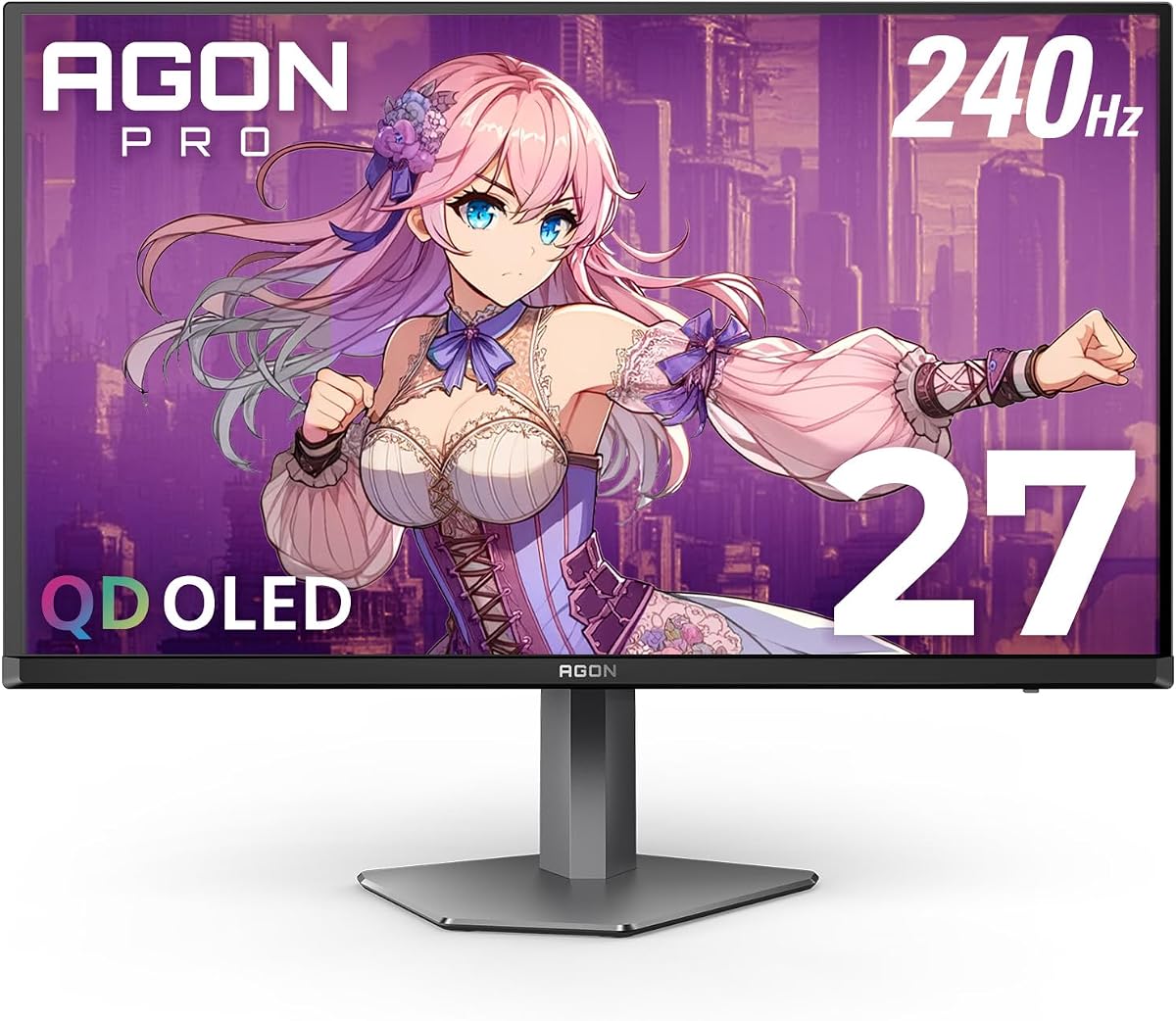
4.4Editor score
This side-by-side comparison shows how each model stacks up in key areas. Use it to quickly find the right balance of speed, resolution, and screen size for your needs.


This model is rated highly for its balance of speed and clarity. It offers a crisp QHD image with a refresh rate that supports smooth competitive play.
We may earn a commission when you buy through this link, at no additional cost to you.
The IPS panel delivers wide viewing angles and accurate colors. The overclocked refresh rate ensures fluid motion during fast paced games.
Trade-offs include limited ergonomic adjustments and a basic stand. These are acceptable given the performance delivered at this level.
Buyers seeking a reliable gaming display will find this fits well. It is a strong choice for those prioritizing smooth gameplay.
The high refresh rate minimizes blur so action stays sharp even during quick movements.
IPS technology ensures consistent color and brightness from any position in front of the screen.
We may earn a commission when you buy through this link, at no additional cost to you.
This screen is rated highly for its value and performance. It brings fast refresh rates to smaller desks without compromising on key features.
We may earn a commission when you buy through this link, at no additional cost to you.
The VA panel offers deep blacks while the refresh rate supports smooth visuals. VESA compatibility adds flexibility for mounting options.
Trade-offs include a smaller display and lower resolution. These are acceptable for compact setups and budget conscious buyers.
Buyers looking for an affordable option will find this fits well. It is a strong choice for casual gaming and daily tasks.
The smaller footprint saves desk space while still delivering clear visuals for work and play.
VESA support lets you mount the monitor on arms or walls to suit your space needs.
We may earn a commission when you buy through this link, at no additional cost to you.
This model is rated highly for its stunning OLED performance. It delivers true blacks and rapid response times that define premium gaming.
We may earn a commission when you buy through this link, at no additional cost to you.
The self luminous panel ensures every pixel lights up independently for perfect contrast. HDR support brings rich detail and immersion.
Trade-offs include higher cost and long term burn in risks. These are acceptable for users who prioritize top tier image quality.
Buyers seeking premium visuals will find this fits well. It is a strong choice for enthusiasts who want the best experience.
OLED technology provides true blacks and vibrant colors that make scenes look lifelike and detailed.
The near instant response time ensures no ghosting even during the fastest actions in games.
We may earn a commission when you buy through this link, at no additional cost to you.
This screen is rated highly for its speed in a compact form. It brings fast refresh rates to smaller desks for fluid gameplay.
We may earn a commission when you buy through this link, at no additional cost to you.
The IPS panel offers wide viewing angles and vivid colors. The frameless design supports seamless multi-monitor setups.
Trade-offs include lower resolution and a smaller viewing area. These are acceptable for those prioritizing speed over screen real estate.
Buyers seeking a compact gaming option will find this fits well. It is a strong choice for fast-paced titles and tight spaces.
The high refresh rate keeps motion smooth and sharp so you can track targets easily.
Frameless edges reduce distractions and make it easier to align with other screens.
We may earn a commission when you buy through this link, at no additional cost to you.
This model is rated highly for productivity and media tasks. It offers sharp 4K clarity with HDR for rich visual detail.
We may earn a commission when you buy through this link, at no additional cost to you.
The IPS panel ensures consistent colors and wide viewing angles. Built in speakers simplify setup by removing the need for extra audio.
Trade-offs include less focus on gaming features and basic stands. These are acceptable for office and creative workflows.
Buyers needing high resolution for work will find this fits well. It is a strong choice for multitasking and media consumption.
4K resolution delivers sharp text and images ideal for content creation and spreadsheets.
Built in speakers provide sound without cluttering your desk with extra hardware.
We may earn a commission when you buy through this link, at no additional cost to you.
This screen is rated highly for its large 27 inch Full HD experience. It combines size with fast refresh rates for smooth gaming.
We may earn a commission when you buy through this link, at no additional cost to you.
The IPS panel supports wide viewing angles and clear colors. Flicker-free technology helps reduce eye strain over long sessions.
Trade-offs include lower resolution for the size and basic ergonomics. These are acceptable for budget focused gamers who want size.
Buyers wanting a big Full HD display will find this fits well. It is a strong choice for competitive play and casual fun.
The 27 inch screen offers ample space for games and multitasking without higher resolution costs.
High refresh rates ensure fluid visuals and responsive input during intense gameplay.
We may earn a commission when you buy through this link, at no additional cost to you.
This model is rated highly for immersion and contrast. It offers a wide curved screen with high resolution for rich visuals.
We may earn a commission when you buy through this link, at no additional cost to you.
The VA panel provides deep blacks and vibrant colors. HDR support adds detail to scenes and enhances the viewing experience.
Trade-offs include curve requirements and VA response times. These are acceptable for those who prioritize immersion and depth.
Buyers seeking an immersive setup will find this fits well. It is a strong choice for single player games and media.
The curved design wraps the image around you for a more engaging experience.
Deep blacks and vivid colors create a striking look that draws you into the game.
We may earn a commission when you buy through this link, at no additional cost to you.
This screen is rated highly for its large curved gaming presence. It combines speed with immersion for a dynamic experience.
We may earn a commission when you buy through this link, at no additional cost to you.
The VA panel offers deep blacks and wide contrast. The frameless design adds a sleek look and reduces bezel distractions.
Trade-offs include lower resolution and significant desk footprint. These are acceptable for buyers focused on immersion and speed.
Buyers wanting a big curved display will find this fits well. It is a strong choice for shooters and racing games.
The 32 inch curve creates a wide field of view that pulls you into the action.
High refresh rates and sync tech keep gameplay smooth and responsive without tearing.
We may earn a commission when you buy through this link, at no additional cost to you.
This model is rated highly for advanced OLED visuals and speed. It delivers sharp QHD with rapid refresh for top performance.
We may earn a commission when you buy through this link, at no additional cost to you.
The panel supports wide color gamut and HDR10. This combination ensures rich detail and lifelike colors across games and media.
Trade-offs include high cost and the need for careful use. These are acceptable for enthusiasts who demand the best image.
Buyers seeking high-end visuals will find this fits well. It is a strong choice for serious gamers and creators.
QD OLED brings vivid colors and deep blacks for a picture that looks true to life.
High refresh and sync support keep action smooth so you react quickly in games.
We may earn a commission when you buy through this link, at no additional cost to you.
This screen is rated highly for its premium OLED experience and versatility. It combines speed with color precision for top tier use.
We may earn a commission when you buy through this link, at no additional cost to you.
The OLED panel supports HDR400 and FreeSync Premium Pro. These features ensure deep blacks and smooth motion without tearing.
Trade-offs include premium cost and careful usage requirements. These are acceptable for buyers who want ultimate fidelity.
Buyers seeking top OLED performance will find this fits well. It is a strong choice for high end gaming and creative work.
OLED technology delivers exact colors and fast response that make games look sharp.
Included USB hubs and HDMI support simplify connections for your gear and accessories.
We may earn a commission when you buy through this link, at no additional cost to you.
Choosing the right display involves weighing panel type, resolution, and refresh rates against your budget and space. This guide covers the key factors to consider.
IPS panels offer wide viewing angles and accurate colors ideal for general use. VA panels provide deeper blacks and higher contrast good for media. OLED panels deliver perfect blacks and instant response for premium experiences.
Choose IPS for color accuracy VA for contrast and OLED for top performance.
Higher refresh rates such as 144Hz and 240Hz reduce motion blur in fast games. Lower rates like 60Hz are sufficient for basic tasks and office use.
Prioritize higher refresh rates if you play competitive titles or prefer smooth motion.
Low response times ensure pixels change quickly and reduce ghosting. Values under 1ms are ideal for gaming while 5ms is acceptable for casual use.
Look for lower response times when buying for fast-paced gaming.
Full HD is adequate for small screens but 1440p offers more detail on larger sizes. 4K provides crisp text and images for productivity and content.
Pick 1440p or 4K for larger screens and high detail work.
Smaller screens like 24 inch fit compact desks while 27 inch offers more space. Larger 32 inch models provide immersion but require more room.
Match screen size to your desk space and seating distance.
HDMI and DisplayPort options support modern consoles and PCs. USB hubs and audio outs simplify peripheral and sound connections.
Ensure your chosen model has the ports you need.
Height tilt and swivel adjustments help reduce neck strain. VESA mount compatibility adds flexibility for alternative stands.
Look for ergonomic features or VESA mounts for better comfort.
Manufacturers offer different coverage periods and replacement policies. Some include protection for dead pixels or accidental damage.
Check warranty terms to ensure peace of mind for your purchase.
Position the monitor at arm length with the top at eye level. This reduces strain and improves posture during long sessions.
Use the built-in menu to adjust brightness and color for your room. Enable flicker-free and low blue light modes to protect your eyes.
Clean the screen with a soft microfiber cloth and avoid harsh chemicals. Handle the frame gently to prevent damage to the panel.
For competitive gaming aim for at least 144Hz to ensure smooth motion. Casual players can be comfortable with 60Hz to 100Hz models.
OLED panels deliver perfect blacks and instant response which is ideal for dark scenes. They are worth it if you prioritize image quality and contrast.
Use a soft dry microfiber cloth to wipe the screen. Avoid sprays or chemicals that could damage the coating or panel.
HDMI 2.1 supports higher bandwidth needed for 4K 120Hz output. Check your console and monitor compatibility for best results.
Curved screens wrap the view around you which increases immersion. They work best with wider displays and seated viewing positions.
VESA mounts add flexibility by allowing wall or arm installation. They are useful if your stand limits height or desk space.
Enable flicker-free and low blue light modes and adjust brightness to match your room. Take breaks every hour to rest your eyes.
Adaptive Sync matches the monitor refresh rate to the GPU output. This reduces screen tearing and improves visual smoothness.
Our top picks include a strong budget option a balanced all-rounder and a premium OLED choice for different needs and budgets.
Focus on panel type refresh rate and size based on your primary use case. The right display enhances both gaming and productivity.
Check current availability and specifications before deciding to ensure it matches your setup. Prices and features can change over time.