
SANSUI 34-Inch Curved Gaming Monitor
4.4Editor score
200Hz refresh rate speed
AI Blue light reduction tech
Affordable ultrawide option
AI ready monitors are transforming how we interact with technology by integrating intelligent features directly into the display. These screens offer enhanced image processing, voice control, and smart connectivity that adapt to your environment and workflow seamlessly.
We compared leading models based on resolution, refresh rates, smart features, and AI capabilities. Our selection includes options from major brands like Dell, LG, Samsung, ASUS, and SANSUI to ensure diverse choices for every user need and budget.
Each pick highlights specific strengths such as gaming performance, smart home integration, or professional color accuracy. Note that pricing and availability change frequently so check current listings before making your final purchasing decision today.
4.4Editor score

4.2Editor score
4.6Editor score
As an Amazon Associate we earn from qualifying purchases.
This comparison table provides a side-by-side look at key specifications across all ten selected monitors to help you quickly identify which model fits your specific requirements best.



This Samsung monitor integrates Vision AI to enhance visuals and offer smart home control directly from the screen. It ranks high for users wanting a standalone entertainment hub without needing a connected computer.
We may earn a commission when you buy through this link, at no additional cost to you.
The AI Picture Optimizer adapts visuals for documents or games ensuring comfort and immersion. Active Voice Amplifier analyzes background noise to keep dialogue clear even in loud environments.
While it lacks high refresh rates for competitive gaming the Gaming Hub allows streaming without a console. Smart home device management is a unique feature for modern smart households.
It is best for casual users wanting streaming gaming and smart control. The 4K resolution ensures vivid detail for media consumption and productivity tasks alike.
Samsung Vision AI adjusts picture settings automatically based on content type and environment lighting conditions.
The Gaming Hub lets you stream popular titles directly so no PC or console is needed to play.
We may earn a commission when you buy through this link, at no additional cost to you.
This SANSUI monitor offers an affordable ultrawide experience with high refresh rates ideal for gaming. It uses AI Blue light reduction to protect eyes during long sessions without sacrificing image quality.
We may earn a commission when you buy through this link, at no additional cost to you.
The 1500R curve enhances immersion in movies and games making the screen feel larger than life. AI Crosshair and Sniper Scope features provide tactical advantages in competitive shooters.
The lack of speakers is a minor drawback requiring external audio solutions. However the price point makes it a top value option for budget-conscious gamers wanting ultrawide visuals.
Choose this if you prioritize screen size and speed over premium build quality. The AI features add a layer of modern tech to a budget friendly package.
The 200Hz refresh rate ensures smooth motion reducing blur during fast paced action scenes in games.
AI Blue light reduction adjusts the spectrum to minimize eye strain during extended viewing periods.
We may earn a commission when you buy through this link, at no additional cost to you.
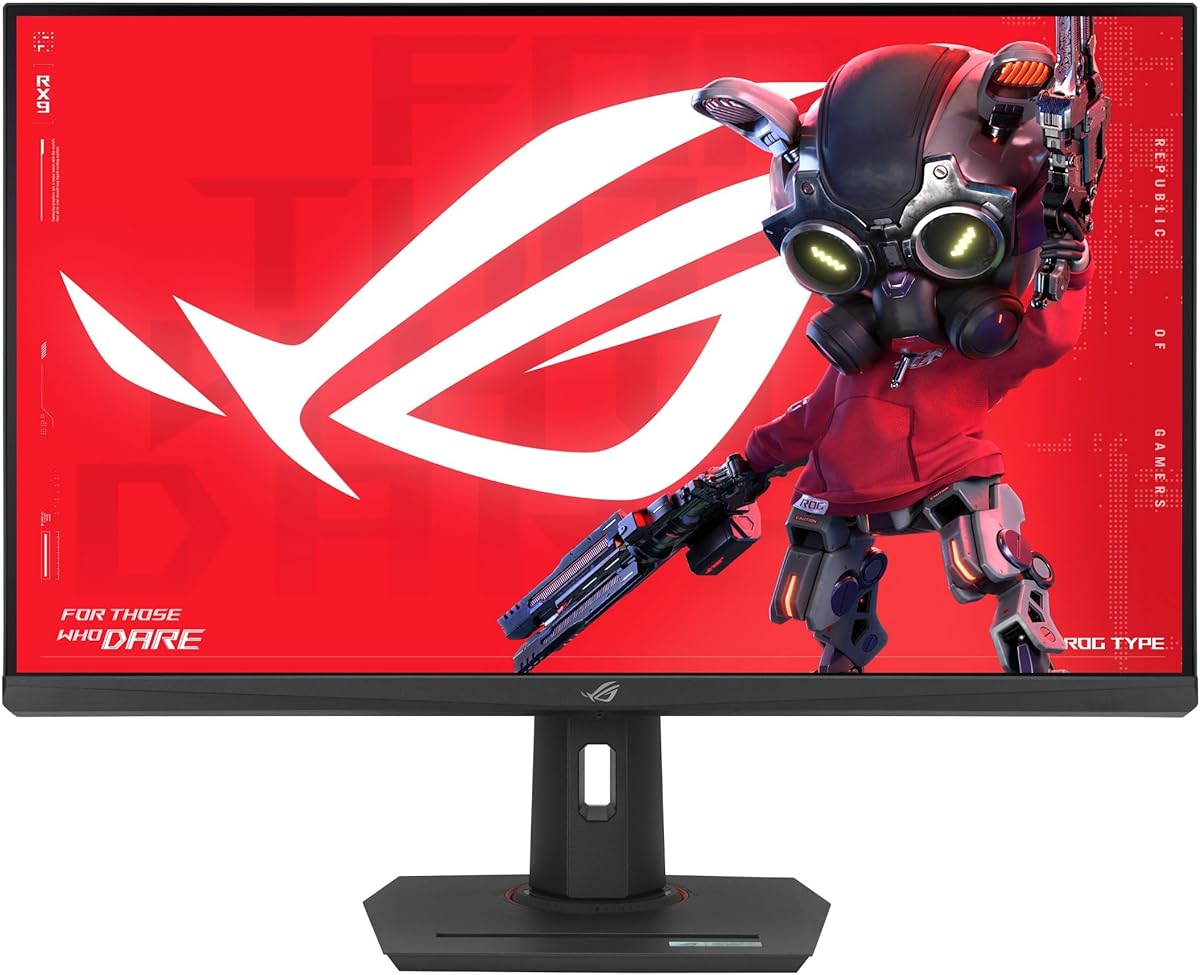
The ASUS ROG XG32UCG delivers top-tier gaming with 4K and Full HD modes for different needs. ROG Gaming A.I technology enhances the experience with features tailored for performance and visual clarity.
We may earn a commission when you buy through this link, at no additional cost to you.
Its Fast IPS panel ensures vibrant colors and wide viewing angles with a minimal response time. Dual Mode technology allows switching between 4K 160Hz and 1080p 320Hz seamlessly.
Investing in this monitor is best for serious gamers who demand color accuracy and speed. The premium price is justified by the advanced features and build quality offered.
It stands out for users needing a display that excels in both work and high-end gaming. The included Adobe Creative Cloud adds value for content creators.
Switch between 4K for detail and FHD for maximum speed without changing hardware or settings manually.
95% DCI-P3 color gamut ensures accurate and uniform colors for professional and creative tasks.
We may earn a commission when you buy through this link, at no additional cost to you.
Dell delivers a reliable 4K display with 120Hz refresh for smooth visuals. ComfortView Plus reduces blue light emissions making it comfortable for all-day use without sacrificing color accuracy.
We may earn a commission when you buy through this link, at no additional cost to you.
The ultra-thin bezel design creates a refined minimalist look suitable for any workspace. Re-engineered sound quality provides detailed audio without needing external speakers for meetings.
While response time is average it works well for general use and casual gaming. HDR readiness delivers decent depth but is not a top choice for media enthusiasts.
This monitor is best for professionals wanting a clean aesthetic and comfort. The IPS panel ensures wide viewing angles for collaboration.
ComfortView Plus reduces harmful blue light to under 35% for better sleep and eye health.
Enhanced audio output replaces the need for external speakers in typical office environments.
We may earn a commission when you buy through this link, at no additional cost to you.
LG offers a stunning 4K display ideal for content creators with 95% DCI-P3 color coverage. VESA DisplayHDR 400 support realizes content creators vision with improved brightness and contrast levels.
We may earn a commission when you buy through this link, at no additional cost to you.
The built-in USB-C port delivers up to 90W power so it can charge a laptop while displaying video. Switch App allows splitting the screen into six sections for multitasking efficiency.
Color accuracy makes it a strong choice for photo and video editing work. The ergonomic stand ensures easy height and tilt adjustments for long work sessions.
Invest in this monitor if color fidelity and connectivity are priorities. It bridges the gap between creative work and entertainment well.
DisplayHDR 400 and DCI-P3 gamut ensure professional quality visuals for creative professionals.
USB-C offers data transfer and charging eliminating the need for extra power adapters.
We may earn a commission when you buy through this link, at no additional cost to you.
This 40-inch curved monitor delivers efficient multitasking with a panoramic 5K2K resolution. Thunderbolt 5 support allows management of data-intensive tasks with up to 140W charging for connected devices.
We may earn a commission when you buy through this link, at no additional cost to you.
The built-in KVM switch enables control of two sources simultaneously with one keyboard and mouse. Picture-in-Picture and Picture-by-Picture allow effortless viewing across different devices.
The large size requires significant desk space but offers unmatched productivity for power users. HDR10+ optimizes brightness and contrast for a gamut of colors and detail.
This monitor is ideal for users handling multiple data streams. The ergonomic design ensures comfort even at this larger size.
The KVM switch simplifies workflow by letting you control two computers seamlessly without extra peripherals.
Thunderbolt 5 provides extreme data speeds and high wattage charging for modern laptops.
We may earn a commission when you buy through this link, at no additional cost to you.
This LG monitor reimagines how you work with webOS for seamless access to streaming apps. Brightness Control detects light sources and automatically adjusts screen brightness for optimal clarity day or night.
We may earn a commission when you buy through this link, at no additional cost to you.
AI Tools in webOS include Dynamic Tone Mapping to adjust brightness and contrast for movies. You can access your PC via Remote PC using the monitor as a home office terminal.
It is perfect for users wanting a smart screen that works independently. The USB-C 65W allows charging laptops making it a versatile docking hub.
Choose this for a flexible setup that blends entertainment and work. AirPlay 2 support ensures easy streaming from mobile devices.
Brightness Control adapts to ambient light so eyes stay comfortable during long working hours.
Remote PC allows you to access home or office services from the monitor itself.
We may earn a commission when you buy through this link, at no additional cost to you.
This monitor features AI upscaling that turns lower resolution content to nearly 4K for better visuals. Active Voice Amplifier Pro optimizes dialogue clarity using AI to analyze background noise.
We may earn a commission when you buy through this link, at no additional cost to you.
The SolarCell Remote eliminates the need for disposable batteries offering an eco-friendly choice. You can drag and drop content across Smart Monitor and mobile devices for streamlined workflow.
It excels as a standalone TV replacement with OTT content access. HDR10+ ensures nuanced settings and vivid details in media consumption.
Buy this for a low vision friendly setup with smart accessibility tools. The gaming hub allows console-free gaming sessions.
Powered by NQM AI Processor to enhance lower resolution content on the 4K display.
Tools like screen magnification and audio descriptions help low vision users interact easily.
We may earn a commission when you buy through this link, at no additional cost to you.
Designed for professional gamers this monitor delivers an ultrafast 180Hz refresh rate for immersive gameplay. Fast IPS technology enables a 1ms response time ensuring sharp visuals with high frame rates.
We may earn a commission when you buy through this link, at no additional cost to you.
ELMB SYNC eliminates ghosting and tearing while maintaining variable refresh rates. DisplayWidget Center allows easy monitor settings adjustments with a mouse for quick changes.
USB-C hub support lets you connect wired peripherals clutter-free. The included Creative Cloud subscription adds value for digital artists who game.
This is ideal for competitive gamers prioritizing speed over resolution. The 1440p balance ensures performance and clarity.
ELMB SYNC ensures sharp images during movement by reducing motion blur.
USB-C allows device connection and data transfer without extra adapters.
We may earn a commission when you buy through this link, at no additional cost to you.
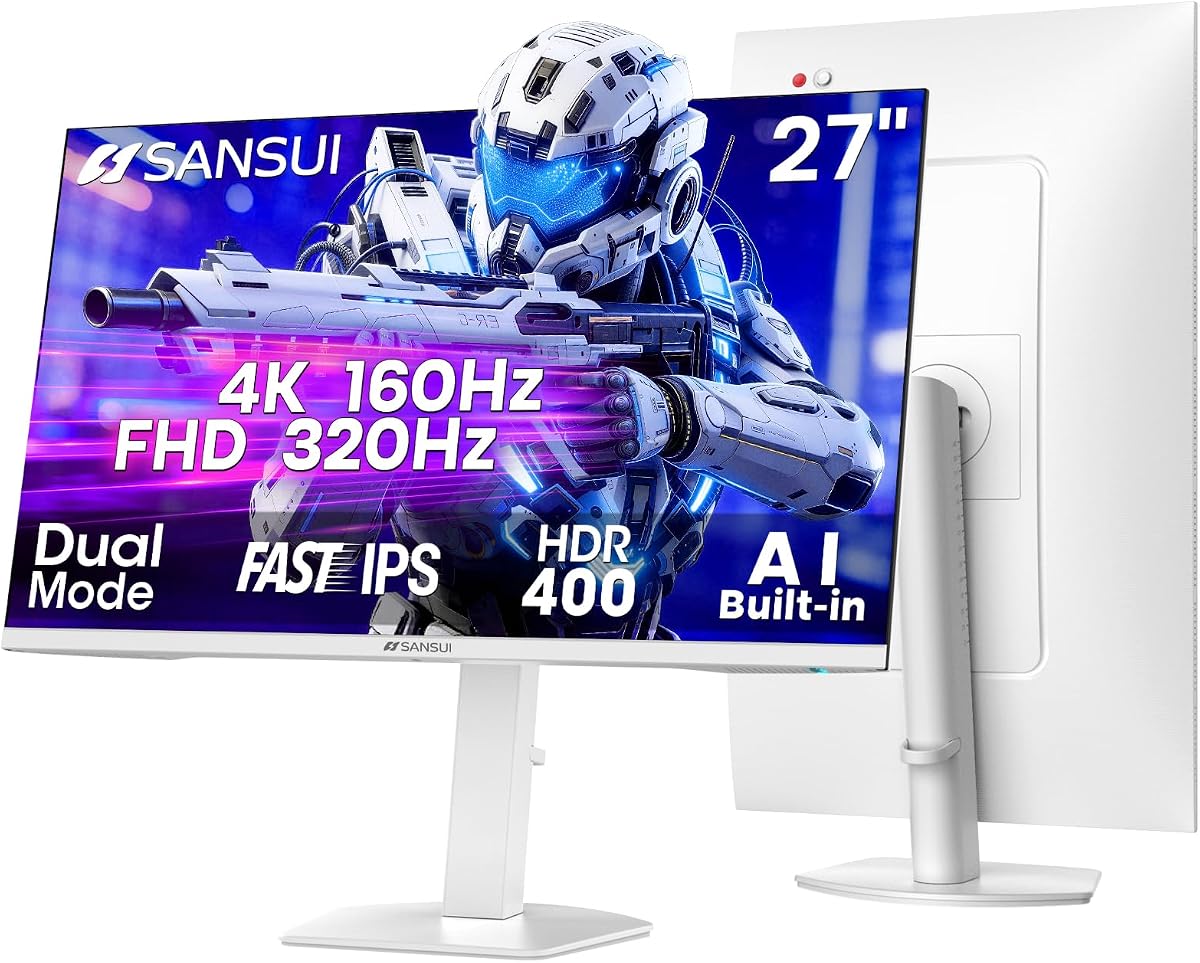
This SANSUI monitor features Dual Mode allowing 4K up to 160Hz or FHD up to 320Hz. AI Crosshair and Sniper Scope provide tactical advantages for gamers in competitive environments.
We may earn a commission when you buy through this link, at no additional cost to you.
Fast IPS delivers vivid colors with DCI-P3 93% and sRGB 126%. AI DBL Eye Care technology reduces flicker and blue light for comfort.
It offers great flexibility for both high resolution and high speed needs. The ergonomic stand supports pivot and swivel for versatile setups.
This is a strong value pick for gamers needing dual performance modes. The built-in speakers simplify audio connections.
Switch between 4K detail and FHD speed depending on game requirements.
AI DBL Eye Care reduces flicker to protect eyes during extended gaming sessions.
We may earn a commission when you buy through this link, at no additional cost to you.
Selecting the right AI ready monitor involves considering several key factors that impact performance usability and value. This guide breaks down the essential elements to help you make an informed decision.
Resolution determines image clarity with 4K offering sharper details than 1080p or 1440p. Size impacts immersion with ultrawide and curved options providing a more engaging experience for entertainment and productivity tasks.
Choose 4K for content creation and 1440p for high performance gaming on a budget.
Refresh rate affects how smooth motion appears with higher Hz reducing blur during fast movement. Response time measures how quickly pixels change color to minimize ghosting in dynamic scenes.
Look for 120Hz or higher for gaming and under 5ms response time for competitive play.
IPS panels offer wide viewing angles and accurate colors which are ideal for creative work. VA panels provide deeper blacks and higher contrast for movies but may suffer from slower response times.
Prioritize IPS for color accuracy and VA for dark room media consumption.
AI features like picture optimization and voice amplification enhance the user experience significantly. Smart capabilities allow streaming apps and smart home control directly from the monitor.
Ensure AI tools match your workflow needs and don't compromise basic performance.
Ports like USB-C with power delivery simplify setup by reducing cable clutter and charging laptops. HDMI and DisplayPort ensure compatibility with various consoles and PCs.
Check for sufficient ports to support your devices without needing extra hubs.
Adjustable stands with tilt pivot and height options help maintain proper posture during long sessions. VESA compatibility allows mounting on arms or walls for flexible setups.
Select a stand that fits your physical needs and desk configuration.
Color gamuts like DCI-P3 and sRGB determine how vibrant and true-to-life colors appear on screen. High accuracy is vital for designers and photographers who rely on consistent color.
Look for monitors with wide gamut coverage if you work with visual media.
Prices range widely from affordable budget options to premium high-end displays. Consider what features are essential versus nice-to-have to maximize your spending.
Invest in premium models only if you need specific capabilities like high refresh rates.
To maximize performance place the monitor in a well-lit area to avoid glare and reflection on the screen. Adjust brightness to match ambient light conditions using built-in sensors if available.
Utilize AI features by enabling picture optimization and voice amplifiers in settings menus. Ensure software is updated regularly to receive performance improvements and new smart capabilities.
Clean the screen gently with a microfiber cloth to prevent scratches and damage to the surface. Avoid using harsh chemicals and ensure the power is off before wiping the display.
AI ready monitors feature built-in processors that optimize visuals like AI Picture Optimizer and offer smart features like voice control and upscaling. They adapt to content and environment to enhance your experience.
Many smart monitors can stream apps directly without a PC via built-in operating systems like webOS or TV Plus. However advanced gaming may still require a console or computer.
4K offers higher pixel density and sharper images but requires more GPU power. 1440p provides a balance between resolution and performance often better for gaming on limited hardware.
AI Upscaling uses neural networks to enhance lower resolution content to higher resolutions by adding detail. It improves the clarity of streaming content or older games on modern displays.
Yes especially smart monitors with USB-C connectivity and ergonomic stands offer great productivity tools. High resolution and color accuracy are beneficial for creative professionals.
Most include built-in speakers but quality varies. High-end monitors often have better audio while budget ones may benefit from external speakers for immersive sound.
Modern LED monitors typically last 5 to 10 years with proper care. Brightness may degrade over time but panels remain functional for general use.
Many models offer multiple HDMI DisplayPort and USB-C ports for connecting consoles PCs and mobile devices. KVM switches allow control of multiple computers with one keyboard.
The Samsung 32" Smart Monitor M7 stands out as our top choice for its balance of smart features and performance. For budget shoppers the SANSUI 34-Inch Curved offers incredible value and speed.
Prioritize refresh rates for gaming and color accuracy for creative work when selecting a model. Ensure connectivity matches your devices to avoid unnecessary adapters and setup issues.
Prices and availability change so check current listings before finalizing your purchase. Investing in the right monitor will improve your workflow and entertainment experience significantly.