
Blackmagic Design Mini Converter Audio to SDI CONVMCAUDS
4.5Editor score
Auto Switching SD and HD
Universal Power Supply Included
3 Gb/s SDI Technology
This guide compares the top ten audio to SDI embedders for professional video production, live streaming, and broadcast workflows in October 2026.
Selecting the right audio to SDI embedder is crucial for professional video production and live broadcasting environments. These devices ensure high-quality audio is seamlessly integrated into video signals for reliable transmission.
Our team evaluated ten leading models based on performance, compatibility, and reliability. We analyzed technical specifications and user feedback to provide an unbiased comparison for buyers.
Each pick highlights specific strengths and ideal use cases for different production scales. Please note that pricing and availability fluctuate frequently so verify current details before purchasing.
4.5Editor score

4.9Editor score

3.8Editor score
The following table provides a detailed side-by-side comparison of the top ten audio to SDI embedders available on the market today for professional use cases.
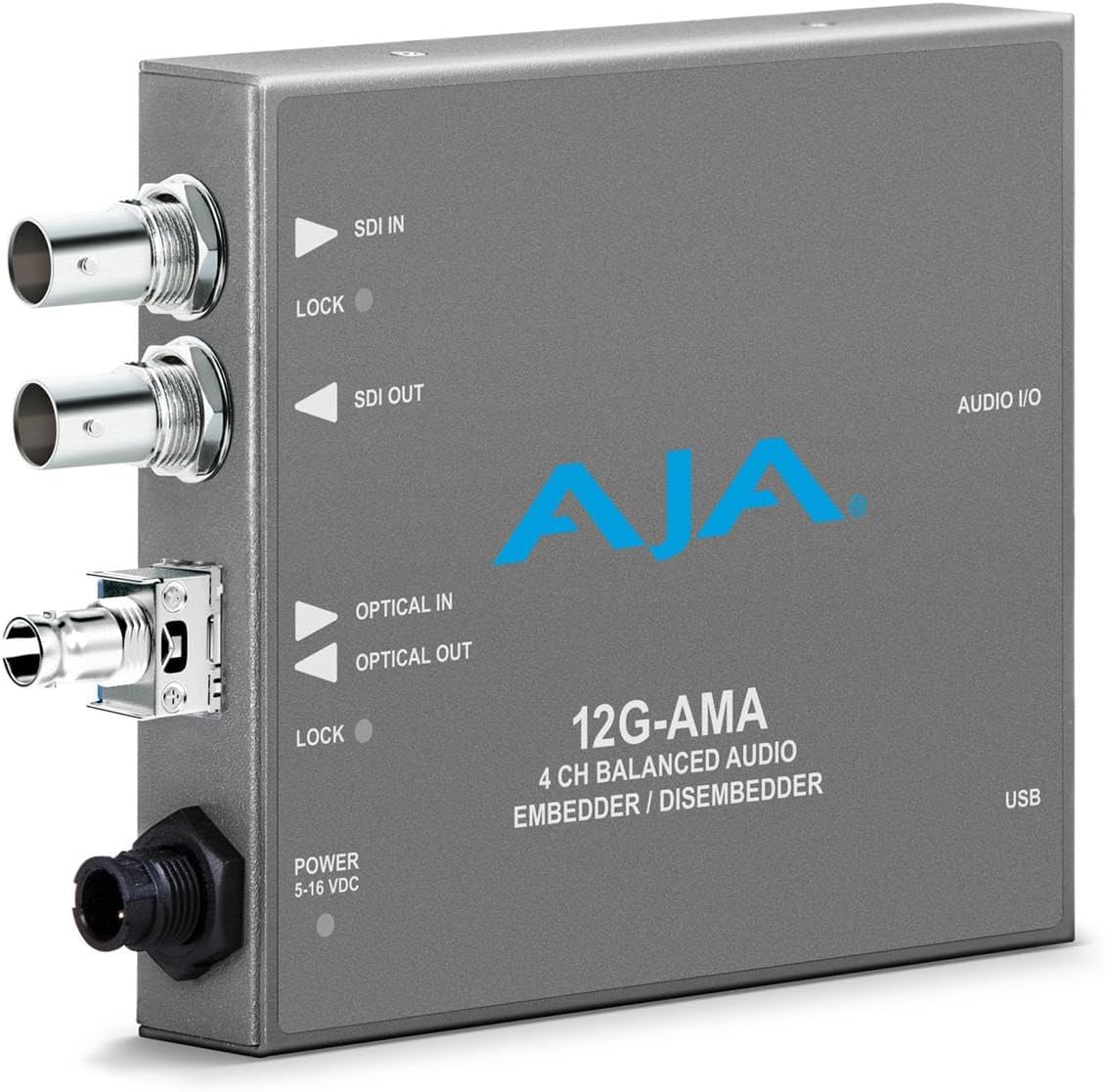


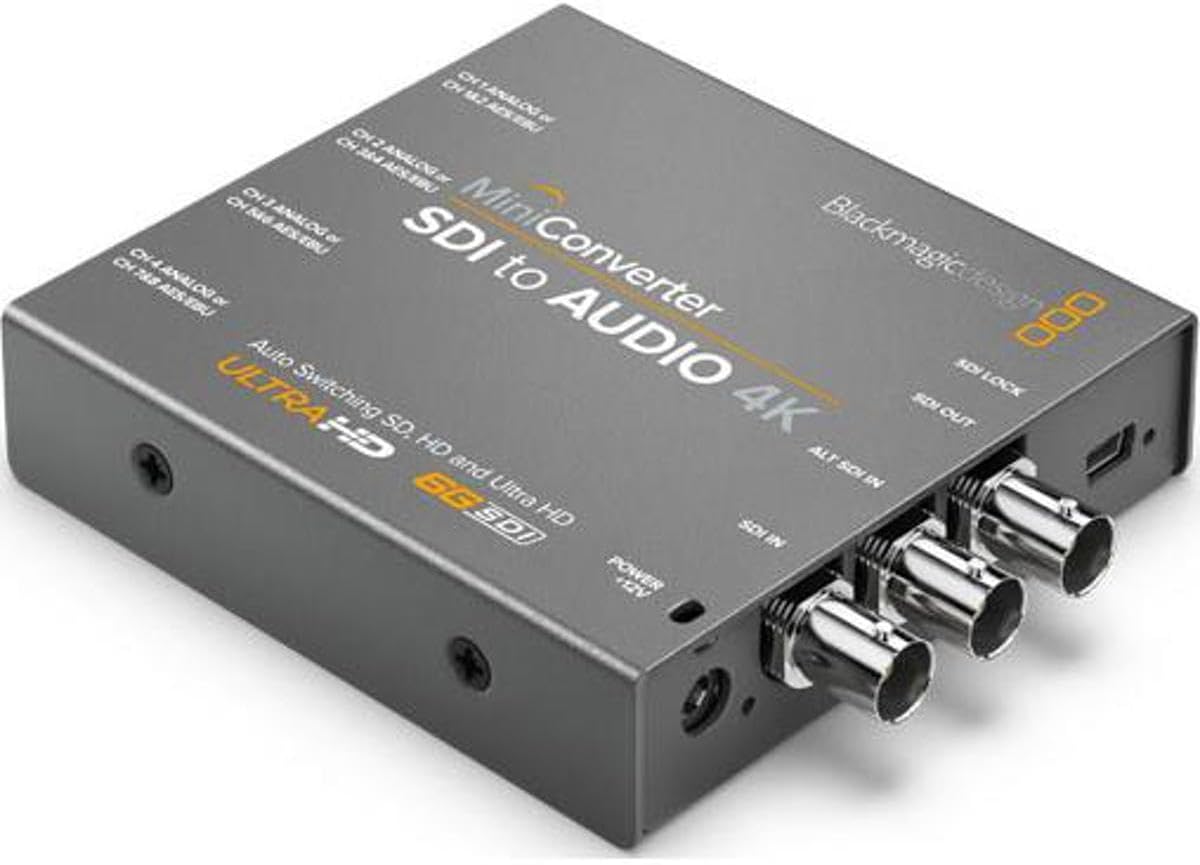


This device stands out as a top choice for embedding audio into SDI signals with remarkable reliability and precision. It holds an exceptional rating for its consistent performance in critical broadcast environments.
We may earn a commission when you buy through this link, at no additional cost to you.
The redundant SDI input feature ensures that if the primary connection fails the unit automatically switches to the backup signal preventing any interruption in transmission. This capability is vital for live events where downtime is unacceptable.
While it is excellent at audio embedding it does not offer extensive video processing features which means it is best used alongside other converters for full signal management. The requirement for external power limits true plug and play portability slightly.
Broadcast professionals and live streamers who need guaranteed signal integrity should prioritize this model. It delivers the dependability required for high stakes production work.
The automatic switch to redundant input ensures continuous audio and video feed even if the primary cable is damaged or disconnected.
It maintains pristine audio fidelity ensuring that your embedded sound remains clear and synchronized with the video signal throughout.
We may earn a commission when you buy through this link, at no additional cost to you.
This model provides an accessible entry point for users needing to embed audio into SDI signals without compromising on core functionality. It is highly rated for its ease of use and compatibility.
We may earn a commission when you buy through this link, at no additional cost to you.
The automatic switching between standard definition and high definition video formats means the device adapts to input changes instantly without manual intervention. This feature saves time during complex production setups.
Unlike higher tier models it lacks redundant inputs which may be a limitation for critical broadcast scenarios requiring maximum uptime. However for many workflows this limitation is negligible compared to the cost savings.
Production teams seeking a cost effective solution for standard SDI workflows will find this unit offers excellent value. It balances performance and price effectively for general use.
The device seamlessly switches between SD and HD formats ensuring that your workflow remains smooth regardless of changing video inputs.
The included international power supply adapters allow you to use the unit in various locations worldwide without needing extra gear.
We may earn a commission when you buy through this link, at no additional cost to you.
The Teranex Mini is engineered for high end production environments that demand support for ultra high definition formats and professional audio standards. Its capability to handle 12G-SDI signals makes it future proof.
We may earn a commission when you buy through this link, at no additional cost to you.
It supports automatic switching between SD HD 2K and 4K formats ensuring seamless integration with modern cameras and switchers. The 4 channel AES/EBU input provides professional digital audio connectivity directly.
The price point is significantly higher than standard converters which may not be justified for simple HD workflows. Additionally the complexity of features might be overkill for basic embedding needs.
Facilities requiring 4K and higher resolution workflows should consider this model for its advanced capabilities. It is a robust investment for professional broadcast infrastructure.
With 12G-SDI support this unit handles the data rates required for 4K video ensuring clean and reliable signal transmission.
The 4 channel AES/EBU input allows direct connection to professional digital audio equipment without needing analog converters.
We may earn a commission when you buy through this link, at no additional cost to you.
This model represents a high performance option for embedding and disembedding audio in professional SDI environments with fiber connectivity options. It is designed for robust broadcast infrastructure integration.
We may earn a commission when you buy through this link, at no additional cost to you.
The ability to handle 12G-SDI signals ensures compatibility with modern high resolution cameras and monitors. Fiber options add versatility for long distance signal transmission in large venues.
There is limited user data available which makes precise performance validation difficult compared to other models. The cost is also quite high which restricts accessibility to large facilities.
Facilities with complex infrastructure needing fiber connectivity and dual embedder disembedder functions should look into this unit. It serves specialized professional workflows well.
Fiber options allow for long distance signal transmission without signal degradation in large scale production environments.
This unit can both embed and disembed audio providing flexibility in different stages of the production workflow.
We may earn a commission when you buy through this link, at no additional cost to you.
This converter is designed primarily for extracting audio from SDI signals but is often used as part of a broader signal chain. It is rated highly for reliability and straightforward operation.
We may earn a commission when you buy through this link, at no additional cost to you.
The included power supply with multinational adapters ensures that you can use the unit anywhere in the world without issues. This makes it a great choice for travel and touring productions.
Since this unit focuses on SDI to audio conversion it does not embed audio into SDI which limits its use as an embedder. You will need additional gear for full embedding workflows.
Broadcast technicians needing a reliable tool to extract audio from SDI streams will appreciate this device. It simplifies signal routing in many standard production setups.
The international adapters included make it easy to take this converter to any location globally without buying extra power gear.
Designed for straightforward operation it plugs in and works immediately without requiring complex configuration steps.
We may earn a commission when you buy through this link, at no additional cost to you.
This model converts SDI video signals to analog while also de-embedding audio for flexible connectivity in legacy or hybrid systems. It is well rated for its versatility and stability.
We may earn a commission when you buy through this link, at no additional cost to you.
The balanced analog and AES/EBU outputs provide professional audio monitoring options that maintain signal integrity. This feature is essential when working with high fidelity audio equipment.
As a converter focused on analog output it is not primarily designed for embedding audio into SDI which may require additional equipment. It is best used for monitoring and conversion tasks.
Production crews integrating modern SDI gear with older analog systems will find this unit invaluable. It bridges the gap between different signal standards effectively.
This converter helps integrate modern digital signals with older analog equipment ensuring smooth workflow across different systems.
Balanced and AES/EBU outputs allow direct connection to professional audio monitoring systems without extra adapters.
We may earn a commission when you buy through this link, at no additional cost to you.
This converter is built to handle SDI signals up to 4K resolution with robust audio de-embedding capabilities for professional monitoring. It is praised for its reliability in high resolution workflows.
We may earn a commission when you buy through this link, at no additional cost to you.
The support for up to 8 channels of AES/EBU digital audio ensures that complex audio feeds can be extracted cleanly from the video stream. This is critical for multi channel productions.
It is designed primarily for extracting audio rather than embedding which means it serves a different role in the signal chain than embedders. The cost is higher but justified for 4K production.
Post production facilities and broadcast studios needing 4K audio extraction should consider this model. It delivers the precision required for high end video content.
With 4K compatibility this unit ensures that your audio extraction maintains quality even with high resolution video signals.
The redundant SDI input ensures signal continuity even if the primary cable fails preventing data loss during critical moments.
We may earn a commission when you buy through this link, at no additional cost to you.
This device converts analog video sources into SDI signals while embedding audio to integrate legacy equipment into modern digital workflows. It is well rated for its bridging capabilities.
We may earn a commission when you buy through this link, at no additional cost to you.
It accepts a wide range of inputs including NTSC PAL component and S-video making it versatile for older camera and recorder outputs. The embedded audio ensures your sound stays with the video.
While it excels at legacy integration it lacks support for modern ultra high definition formats which limits its use in new production builds. It is best suited for specific archival or hybrid needs.
Production teams working with older analog cameras or recorders will find this unit essential for modernization. It allows old equipment to function within digital SDI systems.
This converter allows older analog equipment to be connected to modern digital SDI systems without signal loss.
It embeds audio from analog inputs into the SDI signal keeping sound and video synchronized throughout production.
We may earn a commission when you buy through this link, at no additional cost to you.
This mini converter is designed for high fidelity audio embedding and disembedding with ultra low latency for live video synchronization. It is a top choice for professional broadcast environments.
We may earn a commission when you buy through this link, at no additional cost to you.
The latency as low as 3.2 microseconds ensures that audio and video remain perfectly aligned during live events. This level of precision is critical for seamless production quality.
Limited user data makes it hard to validate performance against competitors but the engineering reputation is strong. The high price reflects its specialized professional features.
Live event producers requiring precise synchronization should consider this unit for its latency performance. It is a robust tool for demanding broadcast workflows.
Ultra low latency ensures audio and video stay perfectly aligned for seamless live broadcast and streaming events.
MiniConfig software allows precise customization of audio levels and settings for optimal performance.
We may earn a commission when you buy through this link, at no additional cost to you.
This 4K mini converter embeds up to 8 channels of digital audio into SDI signals with advanced signal processing for maximum fidelity. It is built for professional high resolution workflows.
We may earn a commission when you buy through this link, at no additional cost to you.
The support for 4096x2160p30 format ensures compatibility with modern cinema and broadcast standards. Additionally the redundant input provides essential safety for uninterrupted transmission.
Limited user data restricts a full performance review but the specifications indicate high end capabilities. The price is high but expected for professional 4K tools.
Studios requiring 4K audio embedding with high channel counts will benefit from this model. It supports complex production needs effectively.
Support for 4K formats ensures your embedded audio stays perfectly aligned with high definition video outputs.
The redundant SDI input guarantees continuous signal even if the primary cable fails during live production.
We may earn a commission when you buy through this link, at no additional cost to you.
Choosing the right embedder involves understanding your resolution needs channel counts and redundancy requirements.
Determine whether you need SD HD 3G or 12G SDI support based on your cameras and monitors.
Choose a model that handles your highest resolution workflow comfortably without bottlenecks.
Decide how many audio channels you need to embed into the SDI signal for your production.
Models supporting 8 channels offer more flexibility than those limited to 4 or fewer.
Look for units with redundant SDI inputs to ensure signal continuity during critical live events.
Redundancy is essential for broadcast quality where downtime cannot be tolerated.
Check if the unit includes a universal power supply with international adapters for travel.
Self powering models simplify setup but external supplies ensure stable operation.
Some models offer configuration software for precise control over audio levels and settings.
Software control allows customization that may not be possible with hardware only units.
For live production consider the latency specs to ensure audio and video stay synchronized.
Ultra low latency units are critical for real time broadcasting and streaming.
Assess the build quality and casing for units that will be transported frequently.
Metal casing and robust connectors extend the lifespan in demanding environments.
Set a realistic budget range for balancing performance with available resources.
Higher cost units offer more features but entry models suit basic workflows.
Connect your audio source to the appropriate inputs on the embedder using balanced cables for best quality. Ensure the video signal is available on the SDI input if your model supports auto detection.
Use configuration software or front panel buttons to set audio levels and embedding options before sending signal to monitors or recorders. Test the output for sync and levels before live use.
Keep the unit in a cool dry place away from excessive humidity or dust to maintain performance. Regularly check cable connections for wear and replace them if damage is visible.
An audio to SDI embedder combines audio signals with video to create a single SDI cable for transmission. This simplifies cabling in production environments and ensures sync between sound and video.
If you are sending audio and video to a broadcast router or encoder that accepts SDI an embedder is essential. It ensures both signals travel together on one cable without sync issues.
An embedder adds audio to a video signal while a disembedder extracts audio from it. Some units support both functions allowing flexibility in monitoring or routing scenarios.
Most embedders require SDI inputs so you may need a converter for HDMI sources first. Check if your workflow requires analog or HDMI to SDI conversion before embedding.
Basic models support 2 to 4 channels while professional units support up to 8 or more. Choose based on how many tracks you need to transmit over SDI.
Many units auto detect resolution but some require manual settings for audio levels or formats. Software tools often help manage these configurations efficiently for complex setups.
Indoor rated units work in controlled environments but outdoor use requires weatherproof cases or ruggedized gear. Ensure power and cable protection if working outside for extended periods.
Some units allow selecting between analog or digital inputs but rarely both simultaneously. Check the specs for input options that match your source hardware capabilities.
We reviewed ten top audio to SDI embedders ranging from budget friendly units to high end 4K capable models. The Blackmagic Mini Converter Audio to SDI 2 stands out for reliability while the Teranex Mini serves premium needs.
Prioritize redundancy and resolution support based on whether you broadcast live or work in post production. Channel count and latency are also critical when choosing a model for your specific workflow.
Always check the current pricing and availability before purchasing since market conditions can change rapidly. This guide helps you make an informed choice for your production infrastructure.