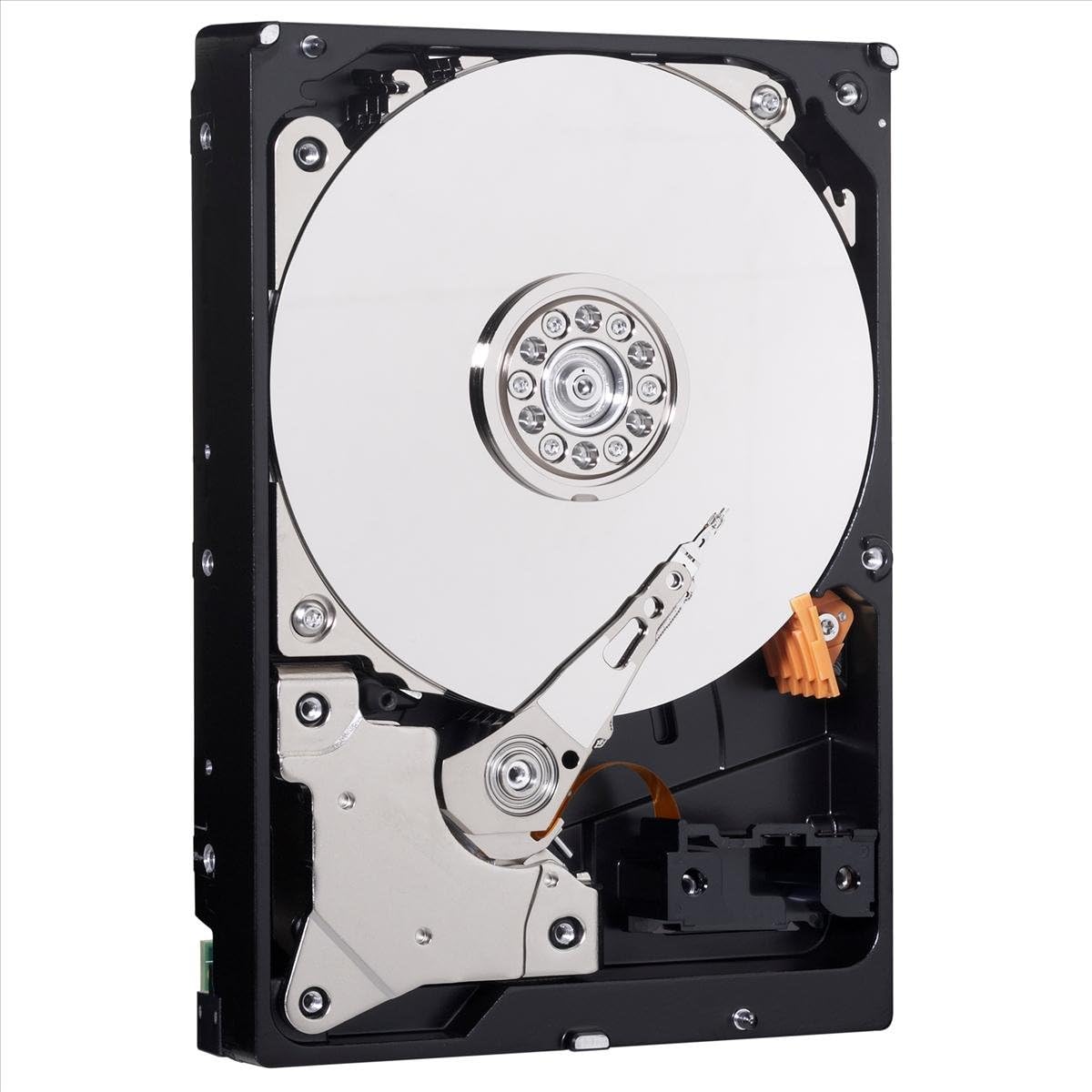
WD Blue 500GB Desktop Hard Disk Drive
4.4Editor score
Affordable entry level storage
IntelliSeek reduces power consumption
NoTouch Ramp Load protects data
Choosing the right storage is crucial for any desktop or gaming setup. A 7200 Rpm HDD Hard Drive offers a balance of speed and capacity that suits many users. It ensures smooth performance for everyday tasks and demanding applications alike.
We evaluated ten top models based on speed, cache, warranty, and reliability. Each drive was selected for its proven track record in real world usage scenarios. Our goal is to help you find the perfect match for your system.
Every pick highlights key strengths and ideal use cases for your hardware. Prices and availability can change quickly so check current listings before buying. We update our recommendations regularly to reflect the latest market trends and technology.
4.4Editor score

4.6Editor score

4.2Editor score
As an Amazon Associate we earn from qualifying purchases.
This side by side comparison covers all ten drives selected for this guide. Each entry lists key specifications and links to product pages for quick reference. Use this table to find the model that fits your budget and performance needs.
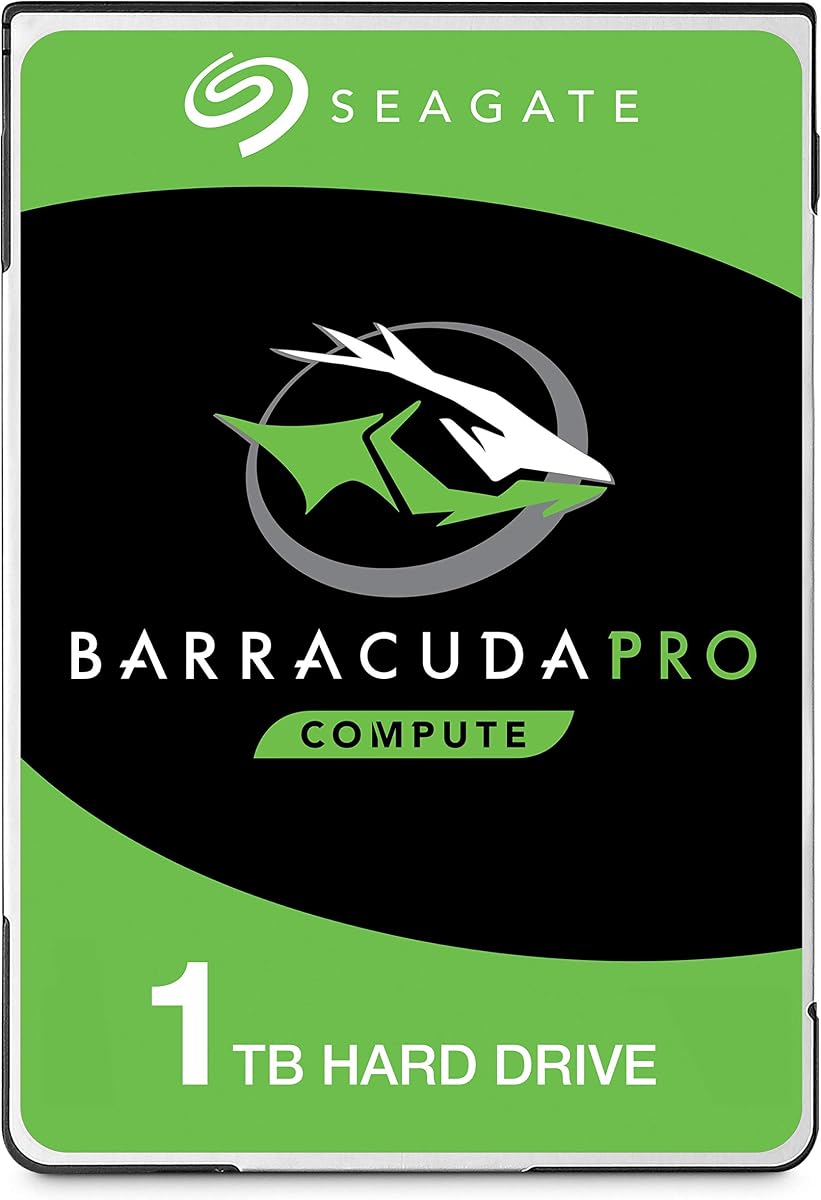



This drive stands out as a top choice for general desktop use. It offers a solid 1TB of storage with fast 7200 RPM speeds. Users praise its reliability and smooth operation during daily tasks.
We may earn a commission when you buy through this link, at no additional cost to you.
The 64MB cache helps buffer data for quicker access times. It is ideal for gaming and media storage without breaking the bank. Seagate has a long history of producing dependable hard drives.
While it lacks some premium features, it delivers consistent results. The warranty is shorter than some rivals but still provides peace of mind. It is a safe bet for most standard builds.
Buy this if you need a reliable drive for a desktop PC. It works well for storing games photos and videos. Check current prices before adding it to your cart.
The 7200 RPM speed reduces load times for large applications and games.
The box is designed to open easily without extra tools or hassle.
We may earn a commission when you buy through this link, at no additional cost to you.
This model offers a 2.5 inch form factor suitable for laptops and desktops. The 128MB cache is larger than standard drives which helps with heavy workloads. It is great for professionals who need reliable storage.
We may earn a commission when you buy through this link, at no additional cost to you.
Included data recovery services add extra value for critical data protection. The drive is built to handle frequent use without slowing down. It is a strong choice for mixed media editing tasks.
The price is higher than basic models but the features justify it. You get peace of mind with the included five year warranty. It is worth considering if you need mobility and speed.
Choose this if you need a drive that fits in a laptop. It performs well for editing music and video on the go. Verify compatibility with your device before purchasing.
Two years of Rescue Data Recovery Services are included with purchase.
The large cache optimizes read and write operations for better speed.
We may earn a commission when you buy through this link, at no additional cost to you.
This drive is designed specifically for gamers and system builders. It offers 2TB of space for large game libraries and media. The WD Black line is known for consistent performance under load.
We may earn a commission when you buy through this link, at no additional cost to you.
StableTrac and Dynamic Cache Technology improve reliability during intense use. It handles multitasking well without significant lag. The five year warranty is a strong selling point for buyers.
It may run slightly warmer than standard drives so ensure good airflow. The price is higher but the performance is worth it for enthusiasts. It is a top pick for high end desktops.
Buy this if you need storage for a gaming PC. It supports fast load times and large file handling. Check your case size to fit this 3.5 inch drive.
Designed to handle the demands of modern PC gaming applications.
An industry leading warranty gives you long term protection.
We may earn a commission when you buy through this link, at no additional cost to you.
This Seagate drive is a favorite for its high user rating. It provides 2TB of space at a competitive price point. Many users report long term stability without issues.
We may earn a commission when you buy through this link, at no additional cost to you.
The 7200 RPM speed ensures quick access to files and media. It is a solid choice for backups or secondary storage. The model is widely compatible with most desktop systems.
It does not have extra features like high end models but it works well. The performance is consistent for typical home and office use. It is a reliable option for bulk storage needs.
Choose this if you need a straightforward 2TB drive. It fits well in any standard desktop case. Verify current stock before ordering as models vary.
With a 4.9 rating this drive is well loved by customers.
Works seamlessly with most SATA based desktop computers.
We may earn a commission when you buy through this link, at no additional cost to you.
This drive is built for datacenter environments but works well at home. It features enhanced vibration tolerance for multi drive setups. Users find it reliable for heavy duty storage tasks.
We may earn a commission when you buy through this link, at no additional cost to you.
The drive undergoes millions of hours of testing for durability. It is a cost effective solution for storing large amounts of data. The warranty covers most standard use cases.
You may need to buy mounting hardware separately. It can run warmer than consumer drives so proper cooling is key. It is ideal for NAS or server builds.
Buy this if you need storage for a multi drive system. It handles vibration better than standard desktop models. Ensure your case supports this 3.5 inch drive.
RAFF technology ensures performance in high vibration environments.
Undergoes 20 million hours of testing under real workloads.
We may earn a commission when you buy through this link, at no additional cost to you.
This drive offers 2TB of storage with fast transfer speeds. It is a great choice for storing games and movies. The SATA 6Gb/s interface ensures it works with modern controllers.
We may earn a commission when you buy through this link, at no additional cost to you.
The 64MB cache helps optimize data flow for smoother use. It is a solid pick for desktop PCs needing more space. Seagate supports this model with a strong history of quality.
It may be slightly more expensive than newer models. It is still a reliable option for those who need proven hardware. Check the price against current alternatives before buying.
Choose this if you need 2TB for a desktop build. It fits standard 3.5 inch slots easily. Verify that your system supports SATA 6Gb/s for best results.
Plenty of room for space hungry PC games and movies.
Reduces data throughput bottlenecks during heavy use.
We may earn a commission when you buy through this link, at no additional cost to you.
This drive is a standard choice for desktop PCs. It offers 1TB of space with solid speed for daily tasks. Users appreciate its ease of installation and reliability.
We may earn a commission when you buy through this link, at no additional cost to you.
It works well for gaming and media storage. The 64MB cache helps with general performance needs. It is a safe option for most users.
While it lacks advanced features it does its job well. The warranty is shorter than top tier models but acceptable. It is a good balance of price and performance.
Buy this for a straightforward desktop storage upgrade. It fits most standard PC cases. Check current deals to get the best value.
Backed by 20 years of innovation and trust.
Great for music video and photo editing tasks.
We may earn a commission when you buy through this link, at no additional cost to you.
This drive is perfect for budget builds or light storage. It offers 500GB which is enough for basic needs. The price is very competitive compared to larger models.
We may earn a commission when you buy through this link, at no additional cost to you.
IntelliSeek reduces noise and power usage. It is a great choice for users who do not need huge space. The drive is quiet and efficient during operation.
The capacity may fill up quickly with large media files. It is best for systems that use external storage for archives. Check if 500GB meets your needs before buying.
Choose this if you need an affordable entry level drive. It fits easily in any standard case. Verify current pricing for the best deal.
Calculates optimum seek speeds to lower power and noise.
Protects your data by safely positioning recording heads.
We may earn a commission when you buy through this link, at no additional cost to you.
This model features a large 256MB cache for better speed. It offers 2TB of storage for large media libraries. Users praise its performance and ease of setup.
We may earn a commission when you buy through this link, at no additional cost to you.
DiscWizard software helps migrate data from old drives. It is a solid choice for system upgrades. The drive is compatible with most desktop systems.
The price is higher than standard models due to the cache. It runs slightly warmer so ensure proper airflow. It is worth it for smoother operation.
Buy this if you need fast access for large files. It is great for cloning old drives to new ones. Check current prices before adding to your cart.
Free tool helps you migrate and clone data easily.
The 256MB cache optimizes read write operations.
We may earn a commission when you buy through this link, at no additional cost to you.
This drive offers a massive 6TB of storage for serious needs. It is ideal for RAID setups or surveillance systems. The renewed status makes it more affordable than new units.
We may earn a commission when you buy through this link, at no additional cost to you.
Hot plug support allows easy drive changes without downtime. It is a robust choice for centralized storage. The MTBF is high for long term use.
The price is high but the capacity is unmatched. It may require specific hardware to support hot plug. It is best for users with professional storage needs.
Buy this if you need large capacity for data centers. Verify warranty details before purchasing renewed items. Check system compatibility for RAID use.
6TB holds huge amounts of data for RAID or backup.
Allows drive changes without powering down the system.
We may earn a commission when you buy through this link, at no additional cost to you.
Choosing a hard drive involves looking at several factors to match your needs. This guide breaks down the key specs and features to help you decide.
Capacity determines how much data you can store. For gaming and media 2TB is a good starting point. If you need massive space consider 4TB or 6TB models.
Choose capacity based on your current and future needs.
The 7200 RPM speed ensures faster data access. It is ideal for gaming and heavy multitasking. Slower drives may lag under high load.
Aim for 7200 RPM for best performance.
Cache helps buffer data for quicker transfers. Larger cache like 128MB or 256MB improves speed. It is useful for complex applications.
Look for drives with at least 64MB cache.
Most desktops use 3.5 inch drives. Laptops may need 2.5 inch models. Check your case size before buying.
Ensure the drive fits your enclosure.
A longer warranty provides better protection. Many drives come with two to five years. Enterprise drives often have more coverage.
Prioritize drives with longer warranties.
Multi drive systems cause vibration that affects speed. Datacenter drives have better vibration handling. It helps maintain performance over time.
Use vibration tolerant drives for NAS.
SATA 6 Gb/s is the standard for modern PCs. Ensure your motherboard supports it for full speed. It is backward compatible with older SATA versions.
Verify your system supports SATA 6 Gb/s.
Install the drive securely in your case to prevent movement. Use the provided screws or brackets for a tight fit. Loose drives can cause vibration and damage.
Keep your system cool to maintain drive health. Ensure airflow is not blocked by cables. Good ventilation extends the lifespan of the drive.
Regularly back up important data to avoid loss. Use cloud storage or an external drive for extra safety. This protects your files from hardware failure.
No SSDs are generally faster than HDDs. However 7200 RPM HDDs are faster than slower HDDs. They offer a good balance for budget builds.
Only if it is a 2.5 inch model. Most laptops use 2.5 inch drives. Check your laptop specs to confirm compatibility.
At least 64MB is recommended for most users. Larger cache like 256MB is better for heavy workloads. It helps with smoother data transfers.
On average they last three to five years. Usage and care impact lifespan. Regular backups are essential for long term use.
No standard SATA power connectors work. Most PSUs include these connectors. Verify your PSU has enough SATA power ports.
Look for at least two years of coverage. Five years is ideal for peace of mind. Check the warranty terms on the product page.
We reviewed ten top models including Seagate and WD options. Each drive offers unique benefits for different users. Consider your budget and capacity needs when buying.
Prioritize speed and reliability for gaming setups. For backups choose larger capacity. Always check current prices to get the best deal.
Prices and availability can change quickly. Check current listings before finalizing your order. We update our recommendations regularly to reflect the latest market trends.