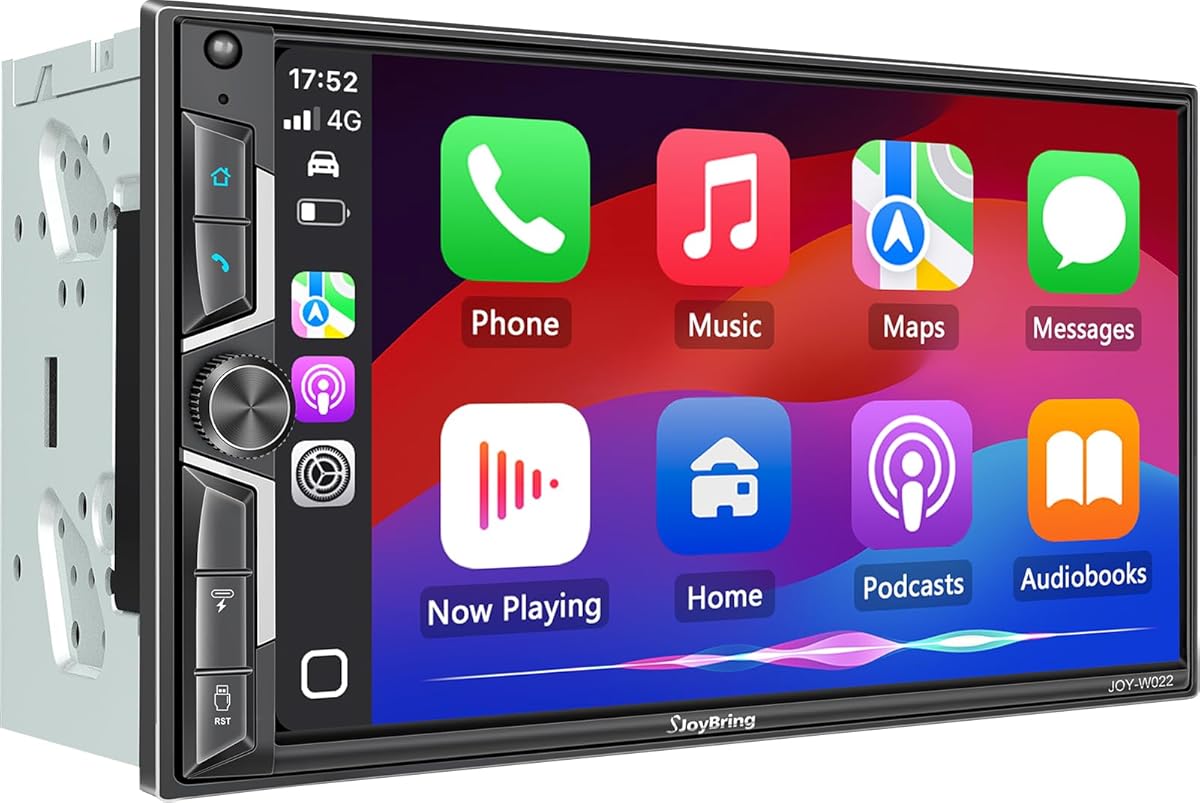
SJoyBring 7 inch QLED Double Din Car Stereo
4.3Editor score
Wireless smartphone integration support
4.2 channel audio output
Includes backup camera accessory
Modern vehicles often lack intuitive infotainment systems. An aftermarket Android Auto unit bridges this gap by bringing seamless smartphone integration directly to your dashboard. These systems allow you to access navigation, music, and messages safely while driving without distractions.
We analyzed ten leading models based on user ratings, technical specifications, and real-world performance. Our selection process prioritizes wireless connectivity, display clarity, audio customization options, and ease of installation to ensure you find a reliable upgrade for your specific vehicle.
Each pick below highlights unique strengths ranging from budget-friendly options to premium AI-driven interfaces. Please note that product availability and pricing can fluctuate frequently. We recommend verifying current details on the retailer site before making your final purchase decision today.
4.3Editor score

4.5Editor score

4.3Editor score
As an Amazon Associate we earn from qualifying purchases.
The following table provides a side-by-side look at key specifications across all ten reviewed units. This comparison helps you quickly identify which model matches your dashboard size and feature requirements.



The ATOTO F7WE stands out as a top performer in the wireless CarPlay category. It boasts a high rating from users who appreciate its fast auto-reconnection capabilities after startup.
We may earn a commission when you buy through this link, at no additional cost to you.
Its dedicated WiFi 6 module ensures stable connections for navigation and music streaming. The 7-inch QLED screen remains clear even in bright daylight, and the included external microphone improves call clarity significantly.
While it lacks a built-in Android operating system, this focus ensures smoother performance for phone mirroring. You may need to purchase a dash kit separately for a perfect fit in your vehicle.
This unit is ideal for drivers seeking reliable wireless connectivity without needing a full Android head unit. It balances price and performance exceptionally well for most standard dashboards.
The QLED display provides vibrant colors and the TCB502 amplifier chip delivers rich sound with custom EQ options for audiophiles.
You can connect front and rear cameras simultaneously and use split-screen mode to view navigation alongside the camera feed.
We may earn a commission when you buy through this link, at no additional cost to you.
The ATOTO S8L offers a premium experience with its large 10.1-inch screen and built-in 4G LTE. This means you stay online even when using Wireless CarPlay without relying on your phone hotspot.
We may earn a commission when you buy through this link, at no additional cost to you.
DriveChat and agentic AI features provide proactive help beyond standard voice assistants. The physical buttons and knobs make volume adjustments easy while driving reducing distraction compared to full touch interfaces.
Audio customization is extensive with a 32-band EQ and time alignment. However the higher cost and the need for a SIM card might not suit every budget or tech comfort level.
Choose this unit if you want a standalone connected car computer with top-tier hardware. It is perfect for tech enthusiasts who value independent connectivity and voice automation.
Built-in LTE allows continuous internet access for maps and streaming without disconnecting your phone from the CarPlay session.
DriveChat answers complex queries and helps manage routes via voice keeping your focus on the road safely.
We may earn a commission when you buy through this link, at no additional cost to you.
The SJoyBring unit is an excellent entry point for those wanting wireless CarPlay without spending much. It comes with a backup camera included which is a rare value at this price point.
We may earn a commission when you buy through this link, at no additional cost to you.
The QLED screen offers great clarity and the 4.2 channel audio output supports a powerful sound system. Users report that the interface is straightforward and responsive for daily navigation and music control.
While it does not support third-party Android apps directly the stability of the smartphone projection makes up for it. You will likely need a separate harness adapter for your specific vehicle wiring.
This is the best choice for budget-conscious drivers who want reliable safety and connectivity features. It delivers essential modern functions without the premium cost of complex operating systems.
The package includes a rear view camera which saves money and ensures safer parking immediately after installation.
Dual subwoofer outputs allow you to add deep bass easily if you plan to upgrade your speaker system later.
We may earn a commission when you buy through this link, at no additional cost to you.
This model stands out because it includes a built-in OBD scanner. This feature lets you monitor vehicle health directly on the screen without needing an external app or device.
We may earn a commission when you buy through this link, at no additional cost to you.
Like the larger S8L it offers a 4G LTE connection for constant internet. The system is powerful enough to run navigation and media smoothly while supporting multiple apps on the 64GB storage.
The main trade-off is the price relative to simpler units. If you do not need vehicle diagnostics or independent data you might find better value elsewhere in the lineup.
Select this unit if you want a compact smart hub that also checks your engine status. It is ideal for tech-savvy drivers who value comprehensive connectivity and diagnostics.
Use the included Bluetooth OBD scanner to check fault codes and tire pressure directly through the head unit.
The DriveChat assistant provides proactive navigation help and reminders to reduce distractions while on the highway.
We may earn a commission when you buy through this link, at no additional cost to you.
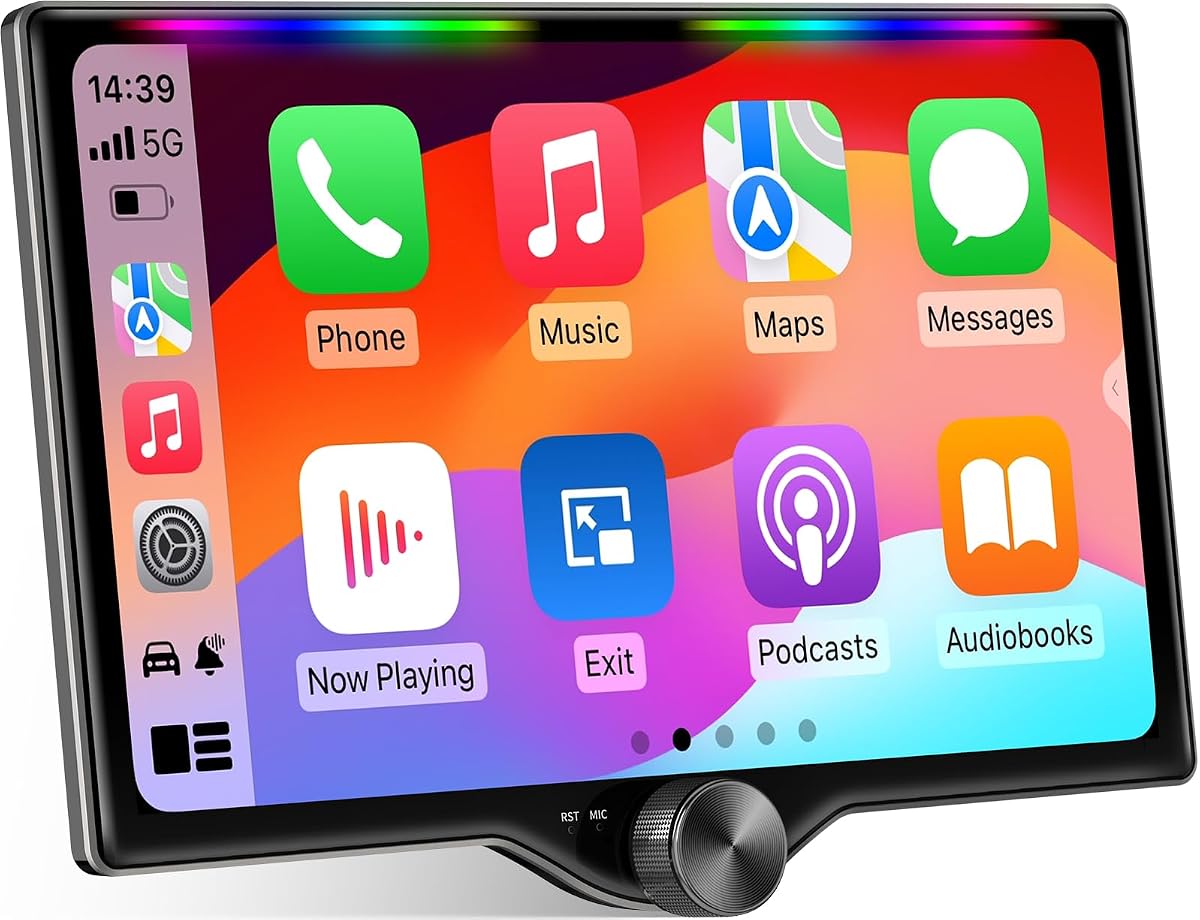
This unit is unique due to its music-sync ambient lighting bar. It adds a vibrant visual experience to your cabin that pulses with your audio for a dynamic atmosphere.
We may earn a commission when you buy through this link, at no additional cost to you.
The large 10.1-inch display offers plenty of room for maps and media controls. Its DSP chip ensures you can tune the audio quality to match your specific speaker setup and preferences.
While the lighting is a fun feature some drivers might find it too flashy for daily commuting. Ensure your dashboard can accommodate the size before purchasing the unit.
Pick this if you want a stylish and large display setup with rich audio controls. It balances entertainment features with practical navigation functions well.
The unique ambient light bar syncs with music rhythms to enhance the visual experience during night driving.
A 10.1-inch screen allows easy viewing of complex maps and media menus from a distance.
We may earn a commission when you buy through this link, at no additional cost to you.
Sony brings its reputation for quality to this receiver. It offers a clean interface and reliable performance for basic navigation and media needs without complex features.
We may earn a commission when you buy through this link, at no additional cost to you.
The rear chassis is compact which makes it easier to fit into tight spaces compared to bulkier units. The resistive screen ensures you can operate it with gloves or in various conditions.
However it lacks wireless connectivity and advanced audio tuning which might limit power users. It is a solid choice for those who prefer simplicity and brand trust over extra bells.
Choose this for a straightforward upgrade that just works. It fits well in compact installations where space is tight and you need essential connectivity.
The small rear chassis allows for easier installation in tight dashboards where depth is limited.
A clean layout ensures you can find controls quickly without scrolling through complex menus.
We may earn a commission when you buy through this link, at no additional cost to you.
This Eonon unit features an adjustable panel that tilts to find the best viewing angle. This flexibility helps avoid glare and improves visibility for both driver and passenger.
We may earn a commission when you buy through this link, at no additional cost to you.
With 6GB of RAM and built-in 4G LTE it handles multiple apps smoothly without lag. The physical volume knob is a practical touch that allows quick adjustments without touching the screen.
Installation might require extra accessories depending on your vehicle model. While the specs are strong the interface may feel slightly less refined than top-tier brands.
Select this if you need a large screen with flexible mounting options and internet independence. It offers great value for those who want Android flexibility.
The adjustable panel lets you tilt the screen to reduce glare in bright sunlight or at night.
A dedicated volume knob provides quick access to audio levels without needing to look at the display.
We may earn a commission when you buy through this link, at no additional cost to you.
This interface is designed specifically for Acura models with dual screens. It adds wireless CarPlay to your existing factory display without altering the original hardware or aesthetics.
We may earn a commission when you buy through this link, at no additional cost to you.
Installation is plug-and-play with no cutting or splicing required. You keep all factory features and safety systems active while gaining modern smartphone integration seamlessly.
The downside is strict compatibility. You must have a dual-screen dashboard in your Acura for this unit to function properly and fit correctly.
Choose this if you drive a supported Acura and want to keep your factory look. It is the most integrated solution for these specific vehicles.
Plugs directly into the factory unit retaining all original features and safety warnings without modification.
Wireless CarPlay connects instantly allowing you to use your phone safely without any cables.
We may earn a commission when you buy through this link, at no additional cost to you.
Ideal for older cars with smaller single Din slots this receiver brings modern features to limited spaces. It supports wireless connectivity for easy phone pairing and control.
We may earn a commission when you buy through this link, at no additional cost to you.
The front USB-C port supports fast charging which is useful for keeping navigation apps running on long trips. Audio customization via built-in DSP helps maximize sound quality from smaller speakers.
The screen is smaller than double Din units so maps require closer inspection. Physical buttons are minimal so you might need to rely more on voice commands.
Select this if you have space constraints but still want wireless connectivity. It is a practical solution for compact dashboards needing a tech upgrade.
A front USB-C port delivers fast charging to keep your phone powered during navigation usage.
The single Din format fits into narrow dash slots where larger units simply cannot go.
We may earn a commission when you buy through this link, at no additional cost to you.
This bundle is designed for safety with a included dash cam and backup camera. It gives you a comprehensive video system alongside modern connectivity features.
We may earn a commission when you buy through this link, at no additional cost to you.
Physical knobs are included for safer blind operation which is helpful for adjusting volume without looking at the screen. The QLED display ensures clear visibility for all camera feeds.
Having cameras included saves time on setup but you might still need a dash kit. Ensure your vehicle wiring is ready for the installation process.
Choose this for a complete safety upgrade. It is perfect for families or drivers who want both navigation and comprehensive video recording in one box.
Includes both a dash cam and backup camera to provide full video coverage for your journeys.
Physical knobs allow you to control volume quickly and safely without touching the display.
We may earn a commission when you buy through this link, at no additional cost to you.
Choosing the right unit depends on your vehicle size and tech needs. We break down the key factors to consider before you buy.
Check your current opening size to see if you need a single or double DIN unit. Some modern designs fit both spaces with adjustable panels but verify dimensions carefully.
Ensure you have a plan for any trim pieces or mounting kits that might be required for a secure installation.
Decide between wireless and wired connectivity for your phone. Wireless offers convenience but uses phone data while wired keeps the connection stable without draining battery.
Look for built-in LTE if you want internet access without using your phone hotspot during calls.
If you care about sound quality look for units with DSP chips. These allow you to adjust equalization and subwoofer levels for a tailored listening experience.
Check output voltages to ensure the unit can drive your speakers or connect to an external amplifier properly.
Some units run full Android systems allowing app installs while others rely on phone projection. Decide if you want independent apps or just a mirror of your phone.
Full Android systems offer more flexibility but may use more internal storage for apps and games.
Verify if the unit supports front and rear cameras simultaneously. Split-screen features are useful for viewing navigation while using a rear view feed.
Ensure the wiring for your cameras is compatible with the ports provided on the back of the device.
Units with built-in microphones and noise reduction improve call quality. Some premium models offer AI assistants for proactive help beyond standard voice commands.
Check if the device supports both Siri and Google Assistant to match your smartphone preference.
Look for pre-outs or expansion slots for future upgrades like amplifiers or additional storage. This ensures you can improve your system as your needs change.
Consider whether firmware updates are available to keep the software current and secure over time.
Some vehicles need harness adapters to match the new wiring harness. Verify if your specific car model requires additional wiring kits before buying.
Professional installation might be safer if you are unfamiliar with vehicle electrical systems to avoid short circuits.
After installation, pair your smartphone via Bluetooth or USB for the first connection. Follow the on-screen prompts to enable Android Auto or Apple CarPlay and adjust settings like brightness to suit your environment.
Keep your firmware updated through the settings menu to access new features and security patches. Regular updates improve performance and fix bugs that might affect connectivity.
Clean the touchscreen with a soft microfiber cloth to avoid scratches. Use a non-abrasive cleaner if needed but avoid spraying liquid directly on the device.
Yes most vehicles require an adapter harness to match the new unit to your car wiring. This allows you to connect power and speakers without cutting factory wires. Check compatibility lists before buying.
Many modern units support wireless Android Auto and CarPlay. However some lower-cost models might need a USB connection for stability. Verify the product specs for wireless support details.
Wireless models are designed to connect even when the phone is not in hand. Just ensure the device stays within range for a stable signal without losing connectivity during calls.
Most units have a dedicated camera input port on the back. Connect the camera video cable to this port and configure the display settings to switch views when reversing.
Basic installation requires removing the trim and connecting wires. If you are not comfortable with electronics hire a professional to ensure the system works safely.
Android OS units run apps directly on the head unit while projection mirrors your phone screen. Projection is easier for updates but OS units allow independent app use without a phone.
We reviewed ten top units ranging from budget bundles to AI-powered smart hubs. The ATOTO F7WE offers a balanced experience while the SJoyBring provides great value with included accessories.
Prioritize features like wireless connectivity and display quality to match your daily driving needs. Choose a unit that supports your specific vehicle size for a professional fit.
Always check current pricing and availability before purchasing since models change frequently. Select the option that brings the best combination of safety and convenience to your ride.