
Herfair 30 Pin Charger Cable
4.5Editor score
High-density braided cable
2.4A fast charging support
18 months warranty included
This guide compares the top 30 Pin USB Cables for legacy devices, evaluating durability, speed, and compatibility to help you choose the right sync solution.
Finding a reliable 30 Pin USB Cable can be challenging as legacy devices remain popular among collectors and professionals. These cables connect older iPhones, iPads, and iPods to modern computers and chargers for essential data sync and power delivery needs.
We evaluated ten top-rated cables based on build quality, charging speed, data transfer rates, and compatibility with specific legacy models. Our analysis focuses on materials like braided nylon and reinforced connectors to ensure longevity despite the obsolescence of the 30-pin standard.
Each pick highlights unique strengths such as MFi certification, USB-C adaptability, or budget-friendly pricing. Prices may fluctuate due to market dynamics, so always verify the current cost on Amazon before making your final purchasing decision for your specific device needs.
4.5Editor score

4.7Editor score

4.6Editor score
The following table provides a side-by-side comparison of all ten selected 30 Pin USB Cables. This overview highlights key specifications such as connector type, compatibility range, and unique features to help you quickly identify the best match for your device.




The Herfair 30 Pin Charger Cable is a budget-friendly option designed to bring old devices back to life. With a strong 4.5 rating, it offers essential charging and data transfer capabilities for users who still rely on legacy hardware.
We may earn a commission when you buy through this link, at no additional cost to you.
This cable distinguishes itself with a high-density braided design that significantly improves durability over standard plastic cords. It supports 2.4A fast charging, ensuring your device powers up quickly, and maintains 480Mbps data sync speeds for efficient file transfers.
While it lacks audio support, which is common in third-party cables, the build quality is robust enough for daily use. The reinforced interface helps prevent the common issue of connector damage at the junction point.
This cable is perfect for users who need a reliable replacement without spending too much. Its warranty service and compatibility with a wide range of older devices make it a practical choice for collectors and enthusiasts.
The high-density braided wire offers superior elasticity and toughness compared to standard cables, ensuring it withstands daily bending and tugging.
Supporting up to 2.4A output, this cable reduces charging time significantly for your 30-pin devices, ensuring you get back to using them faster.
We may earn a commission when you buy through this link, at no additional cost to you.
The sarmert Apple Certified 30 Pin USB Charging Cable offers a reliable solution for syncing and charging older Apple devices. Its certified status ensures compatibility and safety for your valuable hardware while maintaining essential functionality.
We may earn a commission when you buy through this link, at no additional cost to you.
Constructed with a pure copper core and TPE material, this cable minimizes power loss and maximizes charging efficiency. The slim dock connector design allows for easy insertion even when the device is inside a protective case.
While it costs more than generic options, the build quality justifies the investment. The 2000 cycle durability rating suggests it will last significantly longer than standard cables under normal usage conditions.
Ideal for users who prioritize quality and safety, this cable provides a solid bridge between legacy devices and modern USB A ports. Its focus on efficiency makes it a strong candidate for daily syncing needs.
The pure copper core ensures minimal voltage drop during charging, providing more power to your device compared to copper alloy or aluminum alternatives.
The slim profile of the dock connector means you rarely need to remove your case to plug in the cable, adding convenience to your daily routine.
We may earn a commission when you buy through this link, at no additional cost to you.
As an original Apple product, this 30-pin to USB Cable sets the standard for performance and reliability. With a top-tier 4.7 rating, it remains the gold standard for users who want guaranteed compatibility with their devices.
We may earn a commission when you buy through this link, at no additional cost to you.
The form-fitting construction is designed to accommodate most device cases, allowing you to charge without removing your protection. It provides full access to the dock connector and control buttons, ensuring uninterrupted use during charging.
While it is sold separately from adapters, the cable itself is robust and engineered to withstand repeated use. Its stability in connection prevents the data loss issues often reported with cheaper alternatives.
This is the best choice for users seeking the highest level of trust and durability. Although it may be more expensive, the peace of mind that comes with a genuine Apple accessory is worth the extra cost.
Being a genuine Apple product ensures that the cable meets strict manufacturing standards, reducing the risk of failure or safety hazards during charging.
The design allows the connector to slide easily into cases that might otherwise block third-party cables, making daily charging much more convenient.
We may earn a commission when you buy through this link, at no additional cost to you.
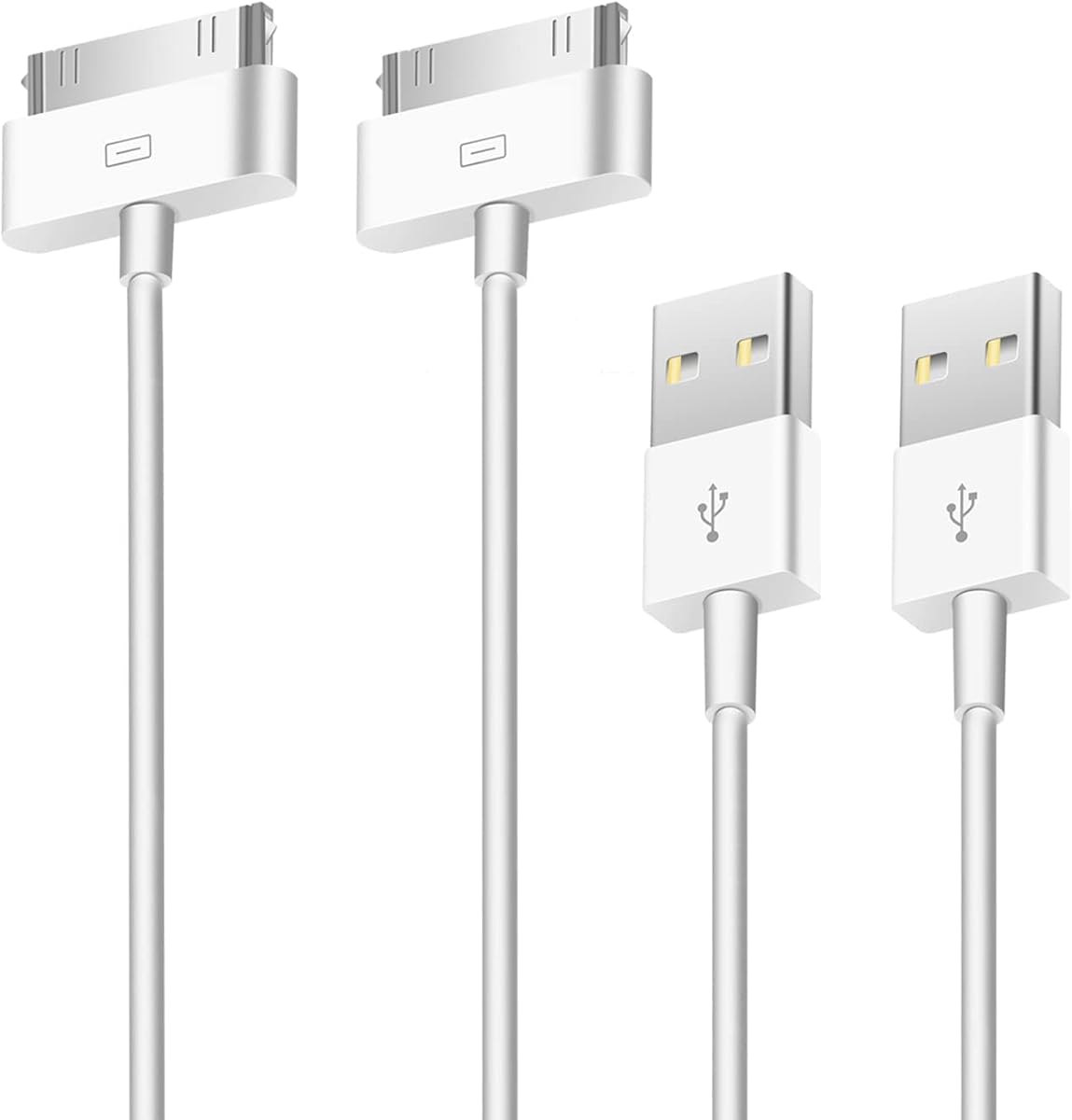
This 2 Pack option provides excellent value for households with multiple legacy devices. The MFi certification ensures safe operation, while the inclusion of two cables allows for home and office setups without extra cost.
We may earn a commission when you buy through this link, at no additional cost to you.
The pure copper core and PVC construction ensure effective transmission of high data rates. The oxidation-resistant metal plug adds to the longevity, allowing for over 3000 pull cycles before potential failure points occur.
While the PVC material might feel less premium than braided options, it is lightweight and resists coiling effectively. The stable connection ensures you won't face intermittent dropouts during critical data sync tasks.
Perfect for users who need backups or replacements for different locations, this pack offers practical utility. It delivers reliable performance for charging and syncing without the premium price tag of single-unit cables.
Getting two cables in one purchase is ideal for keeping one permanently plugged into your home computer and another for work or travel use.
The use of oxidation-resistant metal for the plug head prevents corrosion over time, ensuring a solid electrical connection even after months of use.
We may earn a commission when you buy through this link, at no additional cost to you.
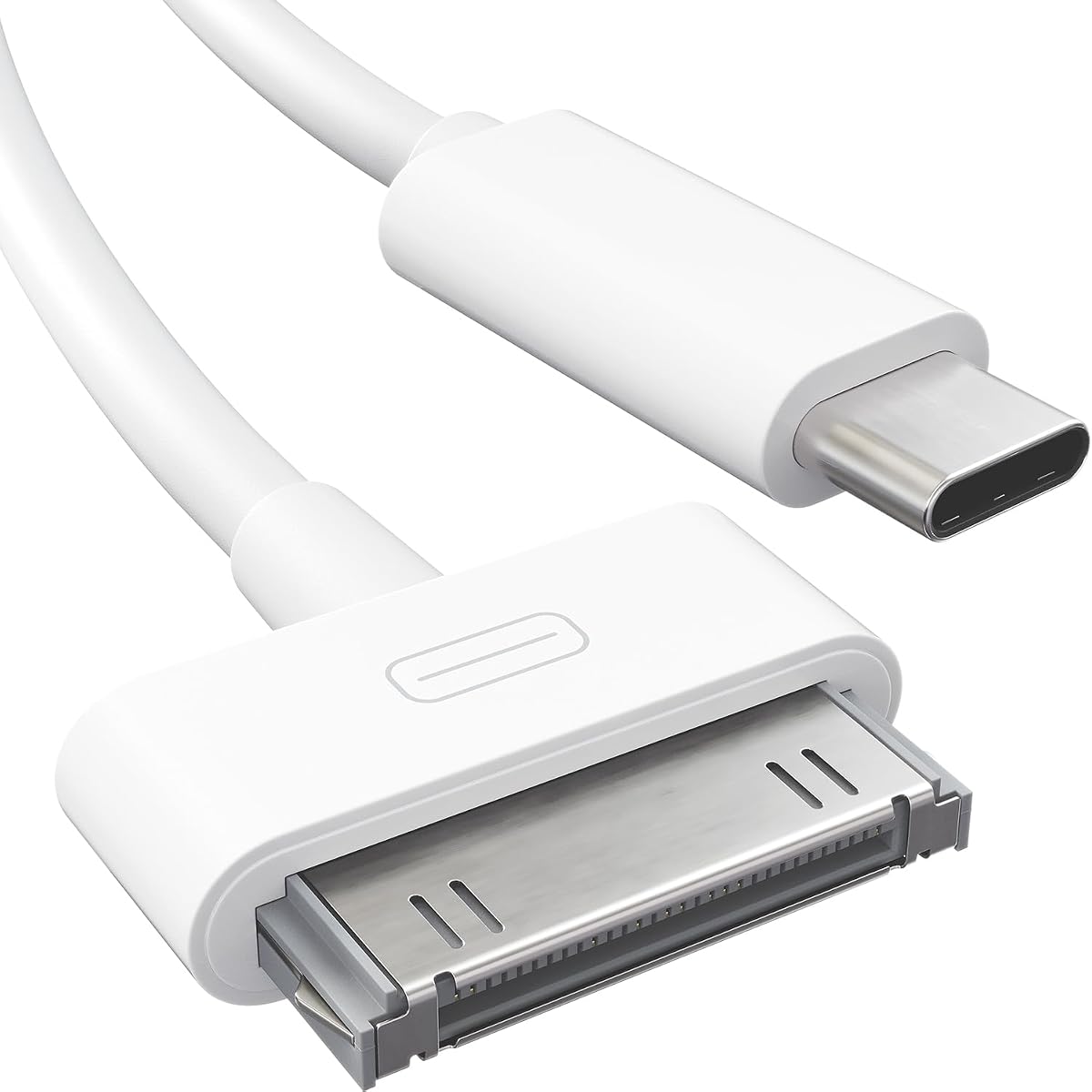
The KabelDirekt cable bridges the gap between old Apple devices and modern hardware by featuring a USB-C connector instead of traditional USB-A. This makes it uniquely valuable for users with newer laptops that lack older ports.
We may earn a commission when you buy through this link, at no additional cost to you.
It supports data transfer and charging just like standard cables but adapts to current PC and Mac standards. The durable connectors are designed to prevent twisting or detachment, which is a common failure mode for adapters.
While it has a shorter length of 3 feet, it is ideal for desk setups. The manufacturer offers a 36-month warranty, signaling confidence in its build quality and long-term reliability for daily tasks.
This is the best choice for anyone transitioning to a USB-C ecosystem while still using legacy devices. It offers a practical solution to keep old gadgets functional without needing old adapters.
Connecting directly to USB-C ports eliminates the need for dongles on modern MacBooks and laptops, simplifying your desk setup significantly.
Using a cable that connects old devices to new chargers extends the life of your hardware, reducing electronic waste and promoting sustainable tech habits.
We may earn a commission when you buy through this link, at no additional cost to you.
This USB to 30 Pin Charging Cable is designed for users who prioritize speed and durability. The nylon braided cord is a strong feature that typically resists tangling and fraying better than standard rubberized cables.
We may earn a commission when you buy through this link, at no additional cost to you.
It supports fast charging capabilities, ensuring your devices receive power quickly. The sync functionality allows for straightforward data management, which is crucial for maintaining backups on older devices.
While specific build details are minimal, the rating suggests it performs well in real-world scenarios. It is compatible with a wide range of iPhone models, including the classic 3G and 3GS versions.
For those who need a reliable charger without a high price tag, this option fits well. It balances affordability with necessary features like fast charging and a durable outer shell.
The nylon braiding adds a layer of protection against daily wear and tear, making the cable suitable for use in bags or pockets.
Supporting fast charging protocols means you spend less time tethered to a wall and more time using your legacy devices.
We may earn a commission when you buy through this link, at no additional cost to you.
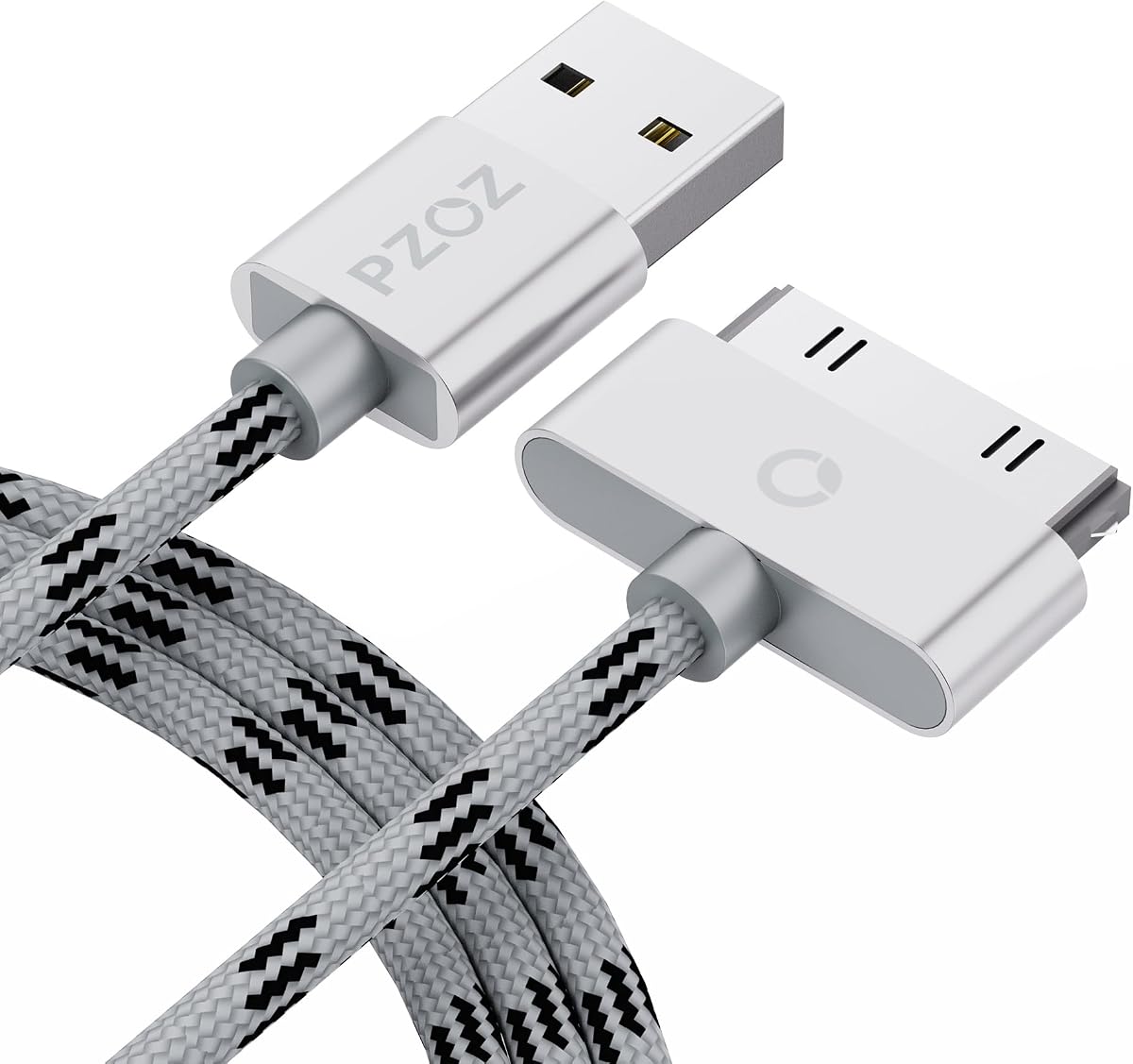
The pzoz cable stands out for its compact design, making it easy to carry in a pocket or bag. It features a robust build with heat-resistant stainless steel connectors that ensure stability during charging sessions.
We may earn a commission when you buy through this link, at no additional cost to you.
Data transmission is efficient thanks to the pure copper core, supporting speeds up to 2.1A. This makes it suitable for both charging and syncing with a range of iPad and iPod models.
While it may not be the longest cable available, its portability is a significant advantage. The antioxidant metal plug helps maintain a clean connection surface over time, reducing the risk of corrosion.
This cable is ideal for users who need a reliable sync tool on the go. Its balance of portability and performance makes it a strong contender for daily commuters.
The compact design ensures the cable fits easily into small bags or even large pockets without taking up much space.
Heat-resistant stainless steel heads prevent deformation during high-load charging, ensuring a secure fit even after extended use.
We may earn a commission when you buy through this link, at no additional cost to you.
This 2-pack is engineered for durability, claiming to be 10X stronger than standard cords. The lightweight design ensures it does not tangle easily, making it convenient for storage and travel.
We may earn a commission when you buy through this link, at no additional cost to you.
Data sync speeds are high, allowing for quick transfers of movies and songs. The cable is designed to support fast charging needs while maintaining a secure connection to legacy ports.
While it lacks official MFi certification, the user feedback suggests it performs reliably. The inclusion of two cables makes it a cost-effective solution for households with multiple old devices.
It is an excellent option for those who need robust, long-lasting cables at an affordable price. The focus on strength and light weight makes it practical for daily handling.
The high-quality construction ensures the cable resists wear from frequent bending, offering a longer lifespan than typical plastic-coated options.
Purchasing a 2-pack allows you to keep spares handy, ensuring you are never caught without a working cable when syncing is needed.
We may earn a commission when you buy through this link, at no additional cost to you.
The AGVEE cable stands out with its impressive 6.6ft length, offering significant flexibility for placement. The aluminum alloy shell adds a premium feel and enhances durability against physical stress.
We may earn a commission when you buy through this link, at no additional cost to you.
It has been tested to withstand over 15000 bends, ensuring it survives rough handling. The nylon braided design further protects the internal wires from fraying and tangling during daily use.
With low resistance and high voltage tolerance, it supports stable charging at 2.4A. This makes it effective for powering larger devices like iPads without excessive power loss over the length.
This is the best choice for users who need to charge devices far from a power outlet. The combination of length and durability makes it a top contender for home office setups.
At 6.6 feet, this cable allows you to use your device comfortably even when it is plugged into a distant outlet or wall socket.
The 15000+ bend test ensures the cable can endure thousands of plugging and unplugging cycles without developing internal breaks or fraying.
We may earn a commission when you buy through this link, at no additional cost to you.
This cable offers MFi certification, ensuring it meets Apple's strict standards for safety and performance. It provides a secure connection for syncing and charging legacy iPhone and iPad models without error messages.
We may earn a commission when you buy through this link, at no additional cost to you.
The compatibility with classic models makes it a reliable choice for collectors. While product details are limited, the MFi badge guarantees a certain level of quality and integration with the iOS ecosystem.
Users benefit from consistent charging speeds and stable data transfer. This reduces the risk of device damage caused by non-compliant chargers that might output unstable voltage.
For users who prioritize safety and official certification, this cable is a strong choice. It delivers peace of mind by adhering to manufacturer standards for legacy hardware compatibility.
MFi certification means the cable has been tested by Apple to ensure it won't damage your device with improper voltage or power delivery.
The design ensures a secure fit in the port, preventing intermittent connection issues that can corrupt data during file transfers.
We may earn a commission when you buy through this link, at no additional cost to you.
Selecting the right 30 Pin USB Cable requires understanding your specific device needs and usage environment. This guide outlines the most important factors to consider to ensure compatibility and performance.
Most 30 pin cables use a standard USB A connector, but some modern options feature USB C for compatibility with newer laptops. Check your available ports to ensure a direct fit.
Always verify the connector type matches your computer or power source to avoid the need for additional adapters.
Length determines how far you can place your device from a power source or computer. Shorter cables are portable while longer ones offer flexibility for desk setups.
Choose a length that fits your typical usage distance, usually ranging from 3 feet to 6 feet for best balance.
Braided nylon and reinforced connectors are standard for durability against daily bending and tugging. TPE and PVC materials also offer varying degrees of resistance to wear and tear.
Opt for braided designs if you plan to transport the cable frequently to prevent tangling and fraying.
MFi certification ensures the cable meets strict manufacturer standards for safety and device protection. Non-certified cables may lack proper voltage regulation leading to potential errors.
Prioritize MFi certified cables if you want to guarantee safe charging without triggering system warnings or battery damage.
High-speed sync is essential for transferring large files like photos or videos to your computer. Look for cables supporting USB 2.0 speeds of 480Mbps for reliable performance.
Ensure the cable supports fast data sync to avoid waiting hours to back up media files from your device.
Different cables support varying amperage levels which affects how quickly your device charges. Look for outputs of 2.4A for faster charging capabilities.
Select a cable that supports high amperage to reduce the time needed to power up your device fully.
Manufacturers often offer warranties ranging from 6 months to several years. A longer warranty period indicates confidence in the product durability and reliability.
Look for a minimum of 18 months of warranty to ensure you have support if the cable fails unexpectedly.
Ensure the cable is explicitly compatible with your specific device models. Some 30 pin cables may work with iPads but not with older iPods or iPhones.
Verify the list of supported devices in the product details to avoid purchasing a cable that does not fit your hardware.
Insert the 30-pin connector into your device's dock port and ensure it fits snugly. Connect the USB end to your computer or power adapter to begin charging or syncing.
To extend the life of your cable, avoid bending it sharply near the connectors. Store it loosely in a drawer or use a cable organizer to prevent tangling.
Regularly inspect the cable for signs of wear such as fraying or cracking. If you notice any damage, replace the cable immediately to prevent potential safety hazards.
Most third-party 30-pin cables do not support audio output unless specifically stated. Check the product specifications for 'Audio Support' or 'Audio Function' to confirm this feature before purchasing.
No, 30-pin cables are designed for older iPhones and iPads pre-dating 2012. Lightning devices use a different connector port and require a specific Lightning cable to function.
You can use a 30-pin to USB-C adapter cable directly. Otherwise, you will need a USB-A to USB-C adapter to connect standard 30-pin cables to modern USB-C ports.
A high-quality cable can last several years with proper care. Durability depends on usage frequency and whether the cable is stored in a way that prevents stress on the connectors.
Most cables do not include a power adapter and require you to plug the USB end into a wall charger. Only specific kits may include an adapter in the box.
USB 3.0 ports offer faster data transfer speeds than USB 2.0 but many 30-pin devices are limited to 2.0 speeds. Using a 3.0 cable usually works safely with older devices.
Yes, most 30-pin cables support iPad charging but ensure the adapter provides sufficient amperage. Standard phone chargers might charge iPads very slowly or not at all.
We have highlighted the top picks for the 30 Pin USB Cable category including the affordable Herfair cable and the reliable Apple original. Each offers unique benefits for charging and syncing legacy devices.
Prioritize durability and certification when choosing a cable to ensure safe operation. Consider the length and material to match your daily usage needs and environment.
Remember that prices and availability may change so verify the current details on Amazon. Selecting the right cable helps extend the life of your cherished old devices.