
acer Chromebook Plus Spin 714
4.5Editor score
Intel Core Ultra 5 Processor
120Hz Touchscreen Display
Thunderbolt 4 Support
Choosing the right Chromebook for AI tasks requires balancing performance with cloud integration. Modern devices now include dedicated tools like Gemini and enhanced storage plans. These features transform how students and professionals handle daily workflows efficiently.
We evaluated ten top-rated models based on processor speed, memory capacity, and AI-specific software bundles. Our analysis focuses on devices that offer tangible benefits for writing, design, and media editing. Each selection reflects current market standards for intelligent computing.
Every pick highlights unique strengths such as display quality, battery endurance, or specialized AI access. Readers will find options ranging from budget-friendly to premium configurations. Note that availability and pricing fluctuate frequently across online retailers.
4.5Editor score

4.9Editor score
5.0Editor score
As an Amazon Associate we earn from qualifying purchases.
This side-by-side comparison highlights key specifications across all ten selected models. View processor types, screen sizes, and storage options to find the perfect match for your specific AI workflow needs.


The Acer Chromebook Plus 514 stands out with its high rating and powerful integrated AI tools. It offers a seamless experience for users needing reliable cloud-based intelligence features.
We may earn a commission when you buy through this link, at no additional cost to you.
This device features an Intel Core i3-1315U processor that handles multitasking efficiently. The inclusion of Google AI Pro with substantial cloud storage enhances productivity significantly.
While the onboard SSD is moderate, the cloud integration compensates for local storage limits. Users should consider external drives for large media files.
Ideal for students and professionals seeking robust AI capabilities. This Chromebook delivers a balanced mix of performance and smart features.
The Gemini integration allows users to simplify content and generate images directly within supported apps.
Wi-Fi 7 ensures fast data transfer speeds for large cloud-based AI processing tasks.
We may earn a commission when you buy through this link, at no additional cost to you.
ASUS delivers a budget-friendly option that still prioritizes AI functionality through Google One integration. It is suitable for entry-level users.
We may earn a commission when you buy through this link, at no additional cost to you.
The Intel Core i3-1215U provides sufficient power for web-based AI applications. Users can enjoy video call enhancements like lighting adjustments.
Storage is managed well via cloud services reducing local dependency. However, the older Wi-Fi standard might limit transfer speeds.
A practical choice for casual users needing AI assistance. It balances cost with essential smart computing features effectively.
Built-in AI tools automatically enhance background and lighting for professional video meetings.
The slim chassis makes it easy to carry during daily commutes or study sessions.
We may earn a commission when you buy through this link, at no additional cost to you.
This model offers a larger screen which is beneficial for detailed AI tasks and media consumption. It maintains standard AI Pro features.
We may earn a commission when you buy through this link, at no additional cost to you.
The processor supports smooth multitasking while handling complex web apps. Users appreciate the responsive touch interface and vibrant colors.
Battery life is decent but varies by usage intensity. The extra screen real estate can be taxing on battery during travel.
Perfect for stationary users who need more visual space. It is a solid investment for productivity and content creation.
DTS Audio provides rich sound quality for educational videos and media playback.
PCIe Gen4 SSD ensures quick boot times and fast application loading speeds.
We may earn a commission when you buy through this link, at no additional cost to you.
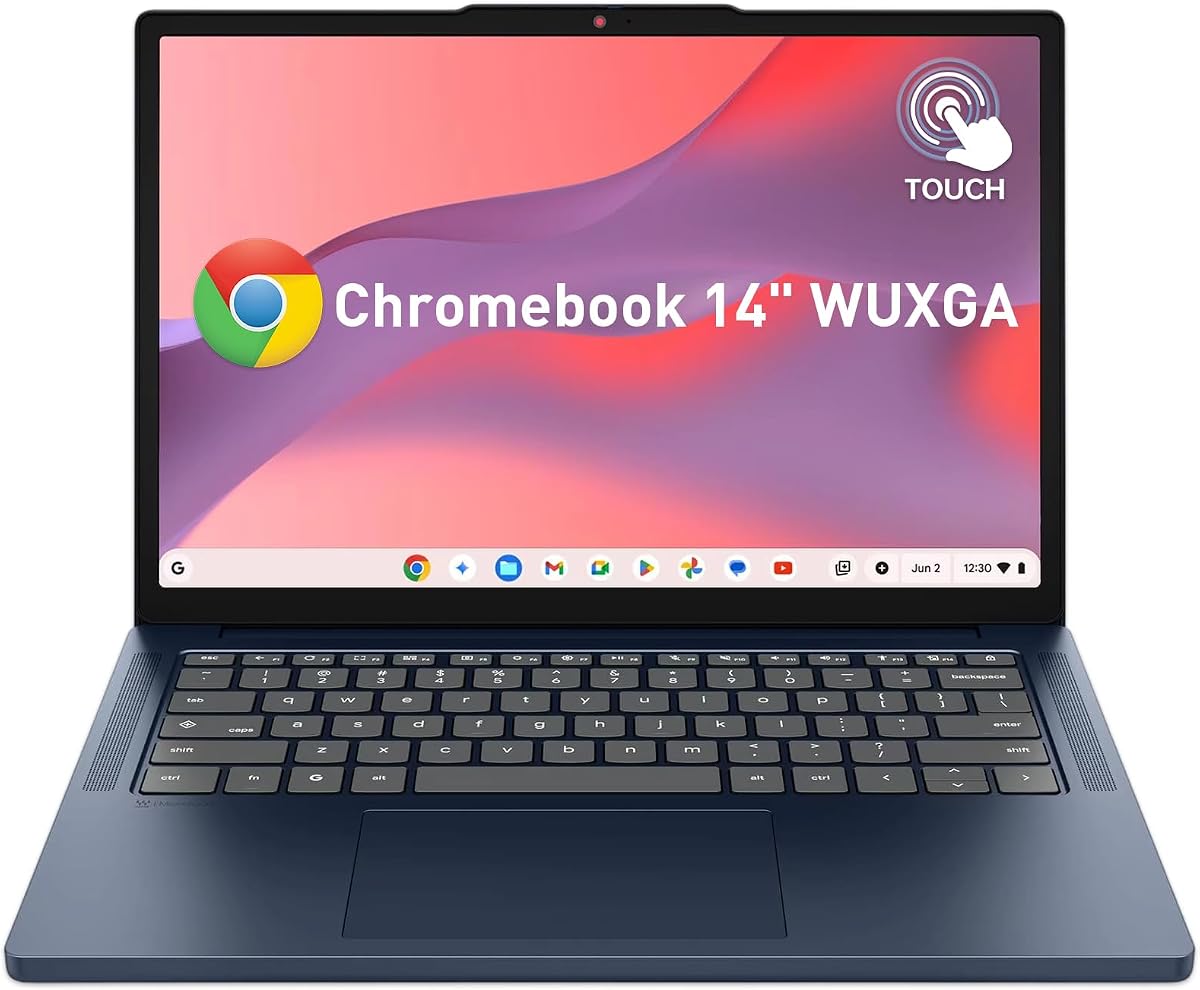
This premium device features the Intel Core Ultra 5 processor which includes dedicated NPU for AI workloads. It represents the high-end segment.
We may earn a commission when you buy through this link, at no additional cost to you.
The 120Hz display offers smooth visuals for creative work. Thunderbolt 4 allows for rapid external storage or docking station connections.
Users get a flexible form factor that adapts to touch or laptop modes. The antimicrobial glass adds hygiene benefits for shared use.
Best for power users requiring top-tier performance. It justifies its cost with advanced hardware and build quality.
The Intel Core Ultra 5 includes a Neural Processing Unit for faster local AI inference.
Antimicrobial Gorilla Glass protects the screen from wear and reduces germ spread.
We may earn a commission when you buy through this link, at no additional cost to you.
This version focuses on storage capacity with a 512GB SSD which is rare for the segment. It is built for durability and long-term use.
We may earn a commission when you buy through this link, at no additional cost to you.
The Intel i3-N355 ensures stable performance for routine AI tasks. Users benefit from a robust design that withstands rough handling.
Connectivity options allow for multiple external screens which aids productivity. The long update expiration ensures security for years.
Ideal for users needing significant local file storage. It combines practicality with reliable hardware features.
Supports up to three external monitors via HDMI or USB-C for extended workspace.
Auto Update Expiration extends to November 2026 providing secure access to latest software.
We may earn a commission when you buy through this link, at no additional cost to you.
Despite a low cost this device earns a perfect rating for its student-focused features. It handles basic AI needs effectively without breaking the bank.
We may earn a commission when you buy through this link, at no additional cost to you.
The MediaTek Kompanio 540 provides efficient power consumption. Users get good battery life and a comfortable display for reading.
Storage relies heavily on cloud integration which is typical for this price. It is best for those with internet access.
Excellent for students on a tight budget. It delivers high reliability for standard educational tasks.
Waves MaxxAudio technology optimizes sound for lectures and media viewing sessions.
Weighing under 3 lbs it is easy to carry in any standard backpack.
We may earn a commission when you buy through this link, at no additional cost to you.
This model is targeted at professionals needing secure and durable hardware. It includes business-appropriate connectivity and protection standards.
We may earn a commission when you buy through this link, at no additional cost to you.
The Intel Core i3-N355 supports multiple tabs efficiently. AI tools help in organizing drafts and optimizing materials quickly.
The keyboard resists liquid spills which is vital for office environments. It also supports secure cloud collaboration tools.
A reliable tool for corporate or field work. It emphasizes security and longevity over flashy aesthetics.
MIL-STD-810H certification ensures the device can withstand drops and environmental stress.
Quick Insert key allows fast creation of images and text for efficient drafting.
We may earn a commission when you buy through this link, at no additional cost to you.
This model serves as a solid middle ground for general computing. It offers reliable hardware without premium pricing.
We may earn a commission when you buy through this link, at no additional cost to you.
The processor and memory combination handles daily tasks smoothly. Users can expect quick app launches and consistent responsiveness.
It lacks the unique selling points of higher models but provides value. It is a safe choice for standard needs.
Recommended for general users seeking consistency. It delivers steady performance for everyday browsing and writing.
Bluetooth 5.3 improves connection stability with peripherals like mice and headphones.
The 1920 x 1200 resolution provides sharp text for reading and editing tasks.
We may earn a commission when you buy through this link, at no additional cost to you.
This variant uses AMD Ryzen which offers strong power efficiency. It focuses on visual quality for video calls.
We may earn a commission when you buy through this link, at no additional cost to you.
The webcam is enhanced with AI for clarity and noise cancellation. Users will look and sound better in virtual meetings.
The processor handles basic workloads with minimal heat. However the small SSD requires reliance on cloud storage.
Great for those prioritizing visual communication. It balances hardware quality with useful software enhancements.
Built-in tools automatically blur backgrounds and cancel noise for professional calls.
MIL-STD-810H and spill resistant keyboard protect the device in various environments.
We may earn a commission when you buy through this link, at no additional cost to you.
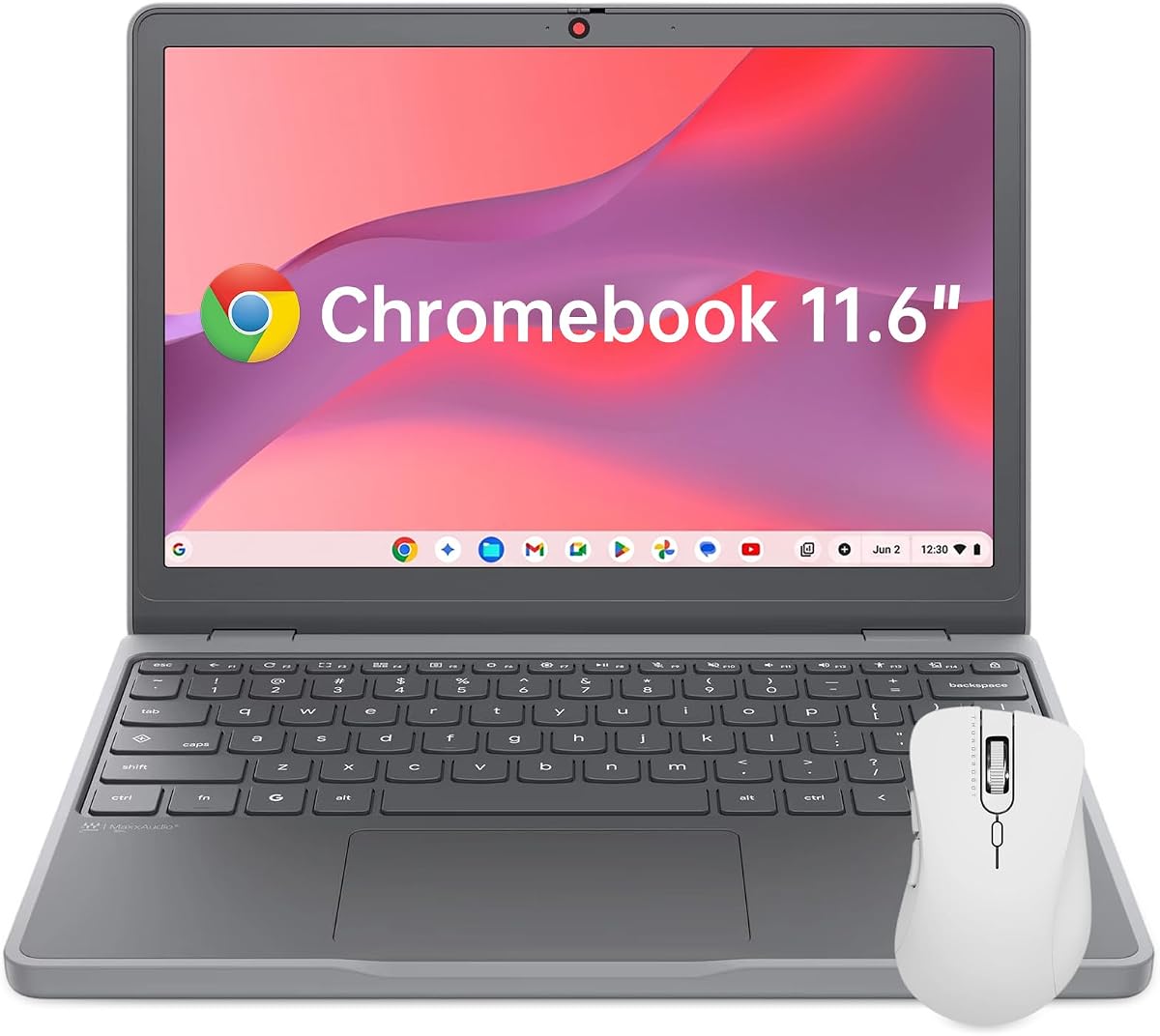
This tiny device is designed for maximum portability. It fits easily into tight spaces and is ideal for frequent travelers.
We may earn a commission when you buy through this link, at no additional cost to you.
The Intel N150 provides enough power for basic tasks. Users benefit from a physical privacy shutter for security.
The small screen may strain eyes during long sessions. It is best for short tasks or light browsing.
Ideal for travelers needing a secondary device. It prioritizes portability over raw performance or display size.
Integrated Google H1 Security Chip protects data and ensures secure boot processes.
Weighing under 2.7 lbs it slips easily into any bag without adding bulk.
We may earn a commission when you buy through this link, at no additional cost to you.
Selecting the right Chromebook for AI involves evaluating processor capabilities, cloud integration, and storage options.
A robust processor like Intel Core i3 or AMD Ryzen is essential for running AI tools smoothly. Look for models with at least 6 cores to handle multitasking efficiently.
Prioritize newer generations to ensure compatibility with advanced AI features.
Many devices come with free trials of Google AI Pro which includes large cloud storage. Check what features are included like NotebookLM or Gemini integration.
Ensure the subscription is long enough to justify the purchase price.
RAM should be at least 8GB for efficient web app performance. Local SSDs between 128GB and 512GB offer better reliability than smaller options.
Consider external storage solutions if local space is limited.
A WUXGA or Full HD screen with anti-glare coating reduces eye strain. Touchscreens are beneficial for creative tasks and note-taking.
Higher resolution displays improve clarity when working with detailed documents.
Wi-Fi 6E or Wi-Fi 7 ensures fast data transfer for cloud syncing. USB-C ports support docking and charging simultaneously.
Bluetooth 5.3 is standard for connecting wireless peripherals reliably.
Look for devices offering 10 hours or more of battery life for portable use. Fast charging support helps minimize downtime during travel.
Battery efficiency varies based on screen brightness and usage patterns.
MIL-STD-810H certification indicates resistance to drops and spills. This is critical for students or field workers.
Solid hinges and durable materials extend the laptop's lifespan significantly.
A 1080p webcam with privacy shutter enhances security and quality. AI noise cancellation improves audio clarity during meetings.
Stereo speakers with optimization technologies provide better media consumption.
To maximize performance keep your ChromeOS updated regularly. Use the cloud storage included with your AI plan to save files automatically.
Protect your device with a protective sleeve when transporting it. Avoid placing heavy items on top of the laptop.
Clean the screen with a microfiber cloth to prevent scratches. Do not use harsh chemicals on the display or keyboard.
Most AI features rely on cloud processing so internet access is required. However, some basic tools work offline while syncing later.
Most models have onboard memory and SSDs that cannot be upgraded. Check the product details for expandable storage options.
The trial typically lasts for 12 months from activation. After expiration you may need to purchase a new subscription.
They support cloud gaming services but not heavy local games. Expect good performance for casual titles via streaming.
Chrome OS is simpler and more secure focusing on web apps. Windows offers more local software compatibility and customization.
Yes most models support at least one external monitor via USB-C or HDMI. Check specific port capabilities for multi-monitor setups.
Most devices come with a standard one-year limited warranty. Check the seller details for any extended warranty options.
We have reviewed ten models offering diverse options for AI tasks. The Acer Chromebook Plus 514 leads with its balanced features.
Prioritize processor speed and storage needs when making your decision. Consider how you will use the device daily.
Prices change so check current deals before buying. Ensure you get the best value for your specific requirements.